As Valve’s highly anticipated Steam Machine remains in limbo with no confirmation on a release date, there is a silver lining for PC gamers everywhere: The new Steam Controller is slated to launch on May 4th. It arrives over ten years after the original, which earned its share of praise and criticism for various reasons. Nevertheless, based on the many reviews and hands-on tests from publications ahead of release, it’s clear that the 2026 Steam Controller is a different beast entirely, one that could very well satisfy all those Steam gaming needs.
Let’s dive into everything you should know from the latest impressions about Valve’s latest device before picking it up, from the highs to the above average, and whether it’s best suited for you.
Superior to the 2015 Steam Controller
Regardless of everything else, most reviews seemingly agree: This Steam Controller vastly improves on the original in terms of comfort and design language. Part of that is due to feeling more like a traditional controller, and it’s not overtly weighty, as noted by TechRadar. Of course, it scores over the competition when it comes to the sticks.
TMR Sticks
Tunnel Magnetoresistance, or TMR sticks, are probably one of the biggest highlights of the new Steam Control. They’re very responsive and durable, far less susceptible to drift (as noted by The Verge) and also support capacitive touch for motion controls. This isn’t to say they’re completely immune to stick drift, but the technology and its implementation feel much more reliable than, say, the DualSense.
New Dual Trackpads
The other highlight – and probably the signature of the Steam Controller – is the dual trackpads. Instead of replacing the D-Pad and occupying the space meant for the face buttons (while shoving them directly below) as it did for the 2015 version, the trackpads now sit directly beneath the thumbsticks. It’s a more traditional set-up that ensures you get the best of both worlds while also achieving maximum comfort.
Grip Sense
Gyro has become increasingly common in today’s controllers, but the Steam Controller handles it uniquely. Dubbed Grip Sense, it essentially uses capacitive touch to enable gyro functionality. By holding it, you can activate it and vice versa to deactivate it.
Grip Buttons
Then there are the four Grip buttons on the back, which allow remapping just about any action to them. But while easily accessible, TechRadar noted that you might end up accidentally pressing them during more “hectic moments” (which can be adjusted, but we’ll get to that).
Steam Controller Puck
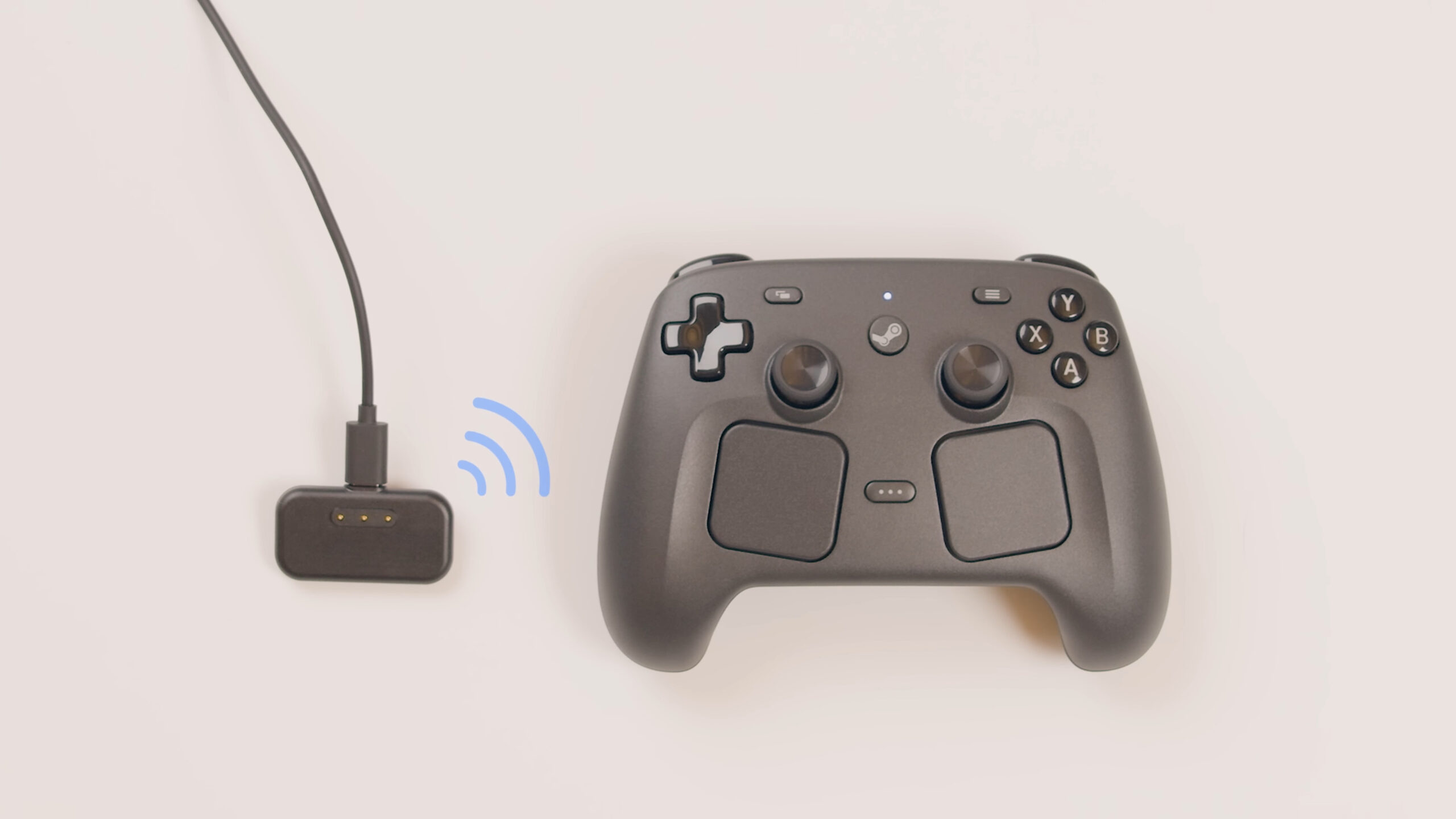
Another ingenious element is the Puck. It primarily serves as a wireless receiver for the controller but also doubles up as a magnetic charging dock, which The Verge noted is very easy to use. Of course, Bluetooth and USB are still available for those who prefer the more traditional methods, and the Steam Machine – whenever it launches – can pair with the controller without requiring the Puck. However, it’s worth noting that Bluetooth offers 37.3 ms of latency, as tested by GamersNexus, so you might want to avoid it.
Excellent Battery Life
In terms of battery life, Valve estimates over 35 hours, and based on various tests, that seems reasonable. GamersNexus notes that with only joysticks, the controller offered 73 hours of life, which dropped down to over 24 hours when using just the rumble. However, as always, it will depend on how you’re using the controller.
Steam Input Customization
What is all this functionality without the freedom to customize it as you choose? Enter the Steam Input Configurator, which allows for just that. Remapping buttons is only the start – as Valve notes in its own official guide, you can create custom layouts (or import them from the community), adjust trackpad and gyro sensitivity, or utilise advanced inputs for the same (including choosing between full and soft pulls for the triggers). Want to assign commands to the outer ring of the joystick? How about setting the joystick to serve as a directional pad? It’s all here and more, complete with extensive Steam UI integration.
Price Point
With everything the Steam Controller has to offer, there has to be a catch or two, right? Well, the biggest thing to get out of the way first is the price. At $99/£85, it’s definitely on the expensive side, ranking above the PS5’s DualSense and the 8BitDo Ultimate 2 Wireless. Granted, it’s still more cost-effective than, say, the DualSense Edge, which costs $199, and you’re way less likely to suffer stick drift in the short term.
Good (But Not Great) Buttons
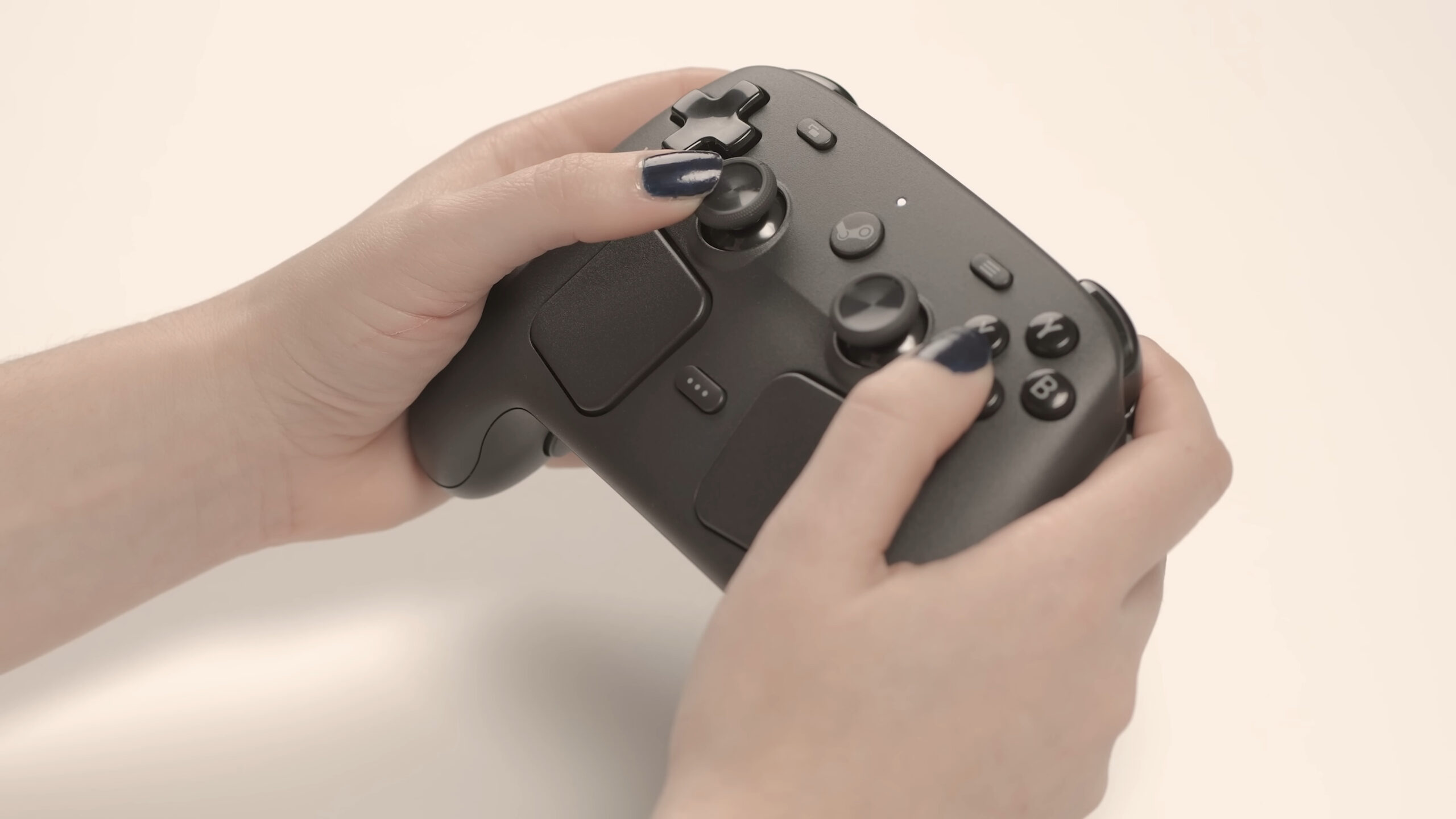
However, it definitely lags behind devices like the DualSense when it comes to the face buttons. PC Gamer notes these to be simple membrane buttons, while the D-pad was considered stiff. It also revealed that, despite Hall effect sensors in the triggers, there really isn’t much more to them (not that we were expecting adaptive triggers or anything).
Not a Pro Controller
It’s also worth noting that you can’t swap out the sticks and trigger stops. Which isn’t something that Valve advertised at all, granted, and this isn’t a Pro controller by any means. But that price point will still have more than a few asking “Why not?” so best set your expectations accordingly.
Not Meant for Consoles
If the name didn’t give it away, this is a controller meant primarily for Steam and not existing consoles in any way. Valve outright said it’s not compatible with them, and though some sites attempted to get it running on PS5, the results were not great.
No Headphone Jack
Then there’s the lack of a headphone jack, but let’s be real – is it all that big of a deal, especially if you’re playing on a desktop? If you’re gaming on the couch with your PC hooked up to a big screen, setting up wireless headphones is a cinch as well. That being said, this is a $99 controller, so just from a pure features standpoint, it’s still worth pointing out.
More Beneficial for Some Players Than Others
Whether it’s the trackpads being good for strategy titles or the gyro functionality working well for shooters like Cyberpunk 2077, the Steam Controller scores high marks across the board in terms of actual usage. And while it should perform great with the average Steam Deck library, this isn’t the case for titles like, say, Fortnite (and one would assume Valorant) that are on different launchers.
In that sense, as noted before, it’s built primarily for Steam. Programmer Pierre-Loup Griffais told Toms Hardware that “We’d rather just make it as easy as possible to get it added to Steam so you can, you know, benefit from that functionality without needing any sort of kernel driver that would potentially, down the line, cause system instability or things like that.” So those seeking something far more universal are better off going with an Xbox, DualSense or 8BitDo controller instead.
The Verdict
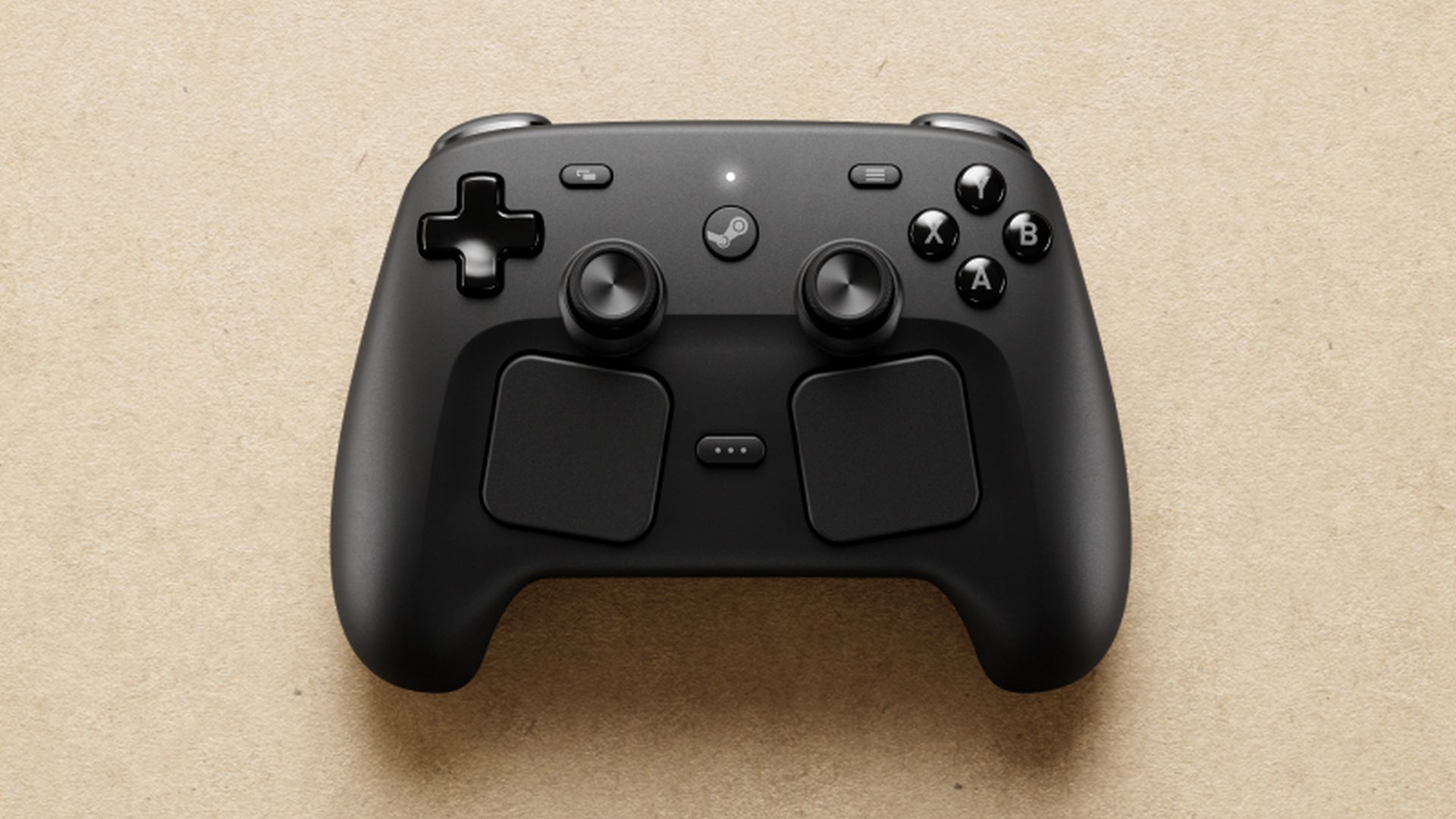
Overall, it comes highly recommended for those who game the most on Steam, especially if you’re mostly into couch gaming or Big Picture Mode. It isn’t really essential for those that already have a reliable set-up, which is further reinforced by the price, and not exactly the best if you’re mostly playing through PC Game Pass or just other launchers in general (not to mention for genres like fighting games where a dedicated fight stick reigns supreme). Nevertheless, if you want the best controller available to experience only Steam games and can afford it, the Steam Controller is well worth picking up.