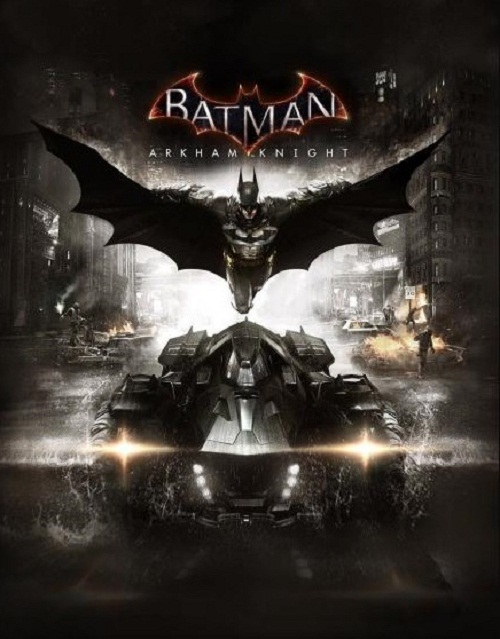




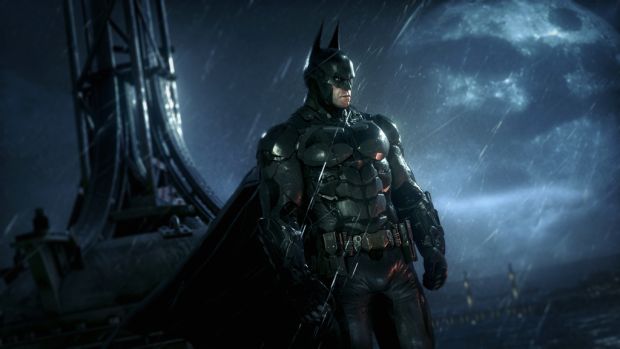
Rocksteady’s final Batman game set in the Arkham series, Batman Arkham Knight is finally available on the PC. Unfortunately, the PC version has been marred by several performance and graphical issues. After going through several internet forums, we have found some possible solutions. Please be advised that the following methods are to be used at the sole discretion of the platform owner. GamingBolt or its staff members take no responsibility for problems that may arise or issues that may occur from trying the below. Always remember that official support is always the best support.
First of all, you can remove the 30fps cap limit by following these simple steps. Go to the folder where you have installed the game and then search for this file: ‘‘\BmGame\Config\BmSystemSettings.ini’. Open the file and search for ‘Max_FPS=30′ and the replace 30 with 9999.
A user from the official Arkham Knight forums has posted a handy guide if you want to skip intro videos in Batman: Arkham Knight. You can find the steps below:
First of all, go to C:\Program Files (x86)\Steam\steamapps\common\Batman Arkham Knight\BMGame\Movies (*You may need to enable Filename Extensions in the view tab to see the .swf*). Rename StartupMovie.swf + StartupMovieNV.swf to StartupMovie.bak. Go to Notepad > File > Save As… Set “Save as Type” to All Files, browse to C:\Program Files (x86)\Steam\steamapps\common\Batman Arkham Knight\BMGame\Movies and save two files…one named StartupMovie.swf and another named StartupMovieNV.swf.
If you are facing stuttering issues, try setting “PhysX” option to “GPU” from Nvidia control Panel> Manage 3D settings. Several PC users are reporting low fps. The first thing to do in this case is to update your Nvidia/AMD GPUs with the latest drivers. Furthermore, a user on Steam forums has posted a guide on how you can fix frame rate and performance issues. The steps are below:
Find the configuration file in game root directory. You can find it at \steamapps\common\Batman Arkham Knight\BMGame\Config. (BmSystemsettings.ini). Change bAllowD3D9MSAA=False to bAllowD3D9MSAA=True (This allows you to use MSAA with D3D9). Change AllowD3D10=False to AllowD3D10=True (This allows you to enable D3D10 for better performance). Change TextureResolution=1 to TextureResolution=2 (This allows you to change the texture resolution from Normal to High but somehow it keep changing back to normal I don’t know why because in my case while looking at the options in-game the texture resolution is set on Normal and there is no other options (no high, no ultra, just nothing). But you can try. Ingame decrease shadows to low or normal. No need to put it high, just in case to get more frames/s (who cares about shadows anyway ;/). No solution yet for motion blur. Turn off Bloom: Bloom=False. Turn off Reflections: Reflections=False. Change AllowOpenGL=False to AllowOpenGL=True (This allows you to use OpenGL for better performance).
Note: Given that the wide range of PC hardware out there, the fixes mentioned here may or may not work for you. But it’s worth giving them a shot since these have worked for players who own the PC version of Batman Arkham Knight.