







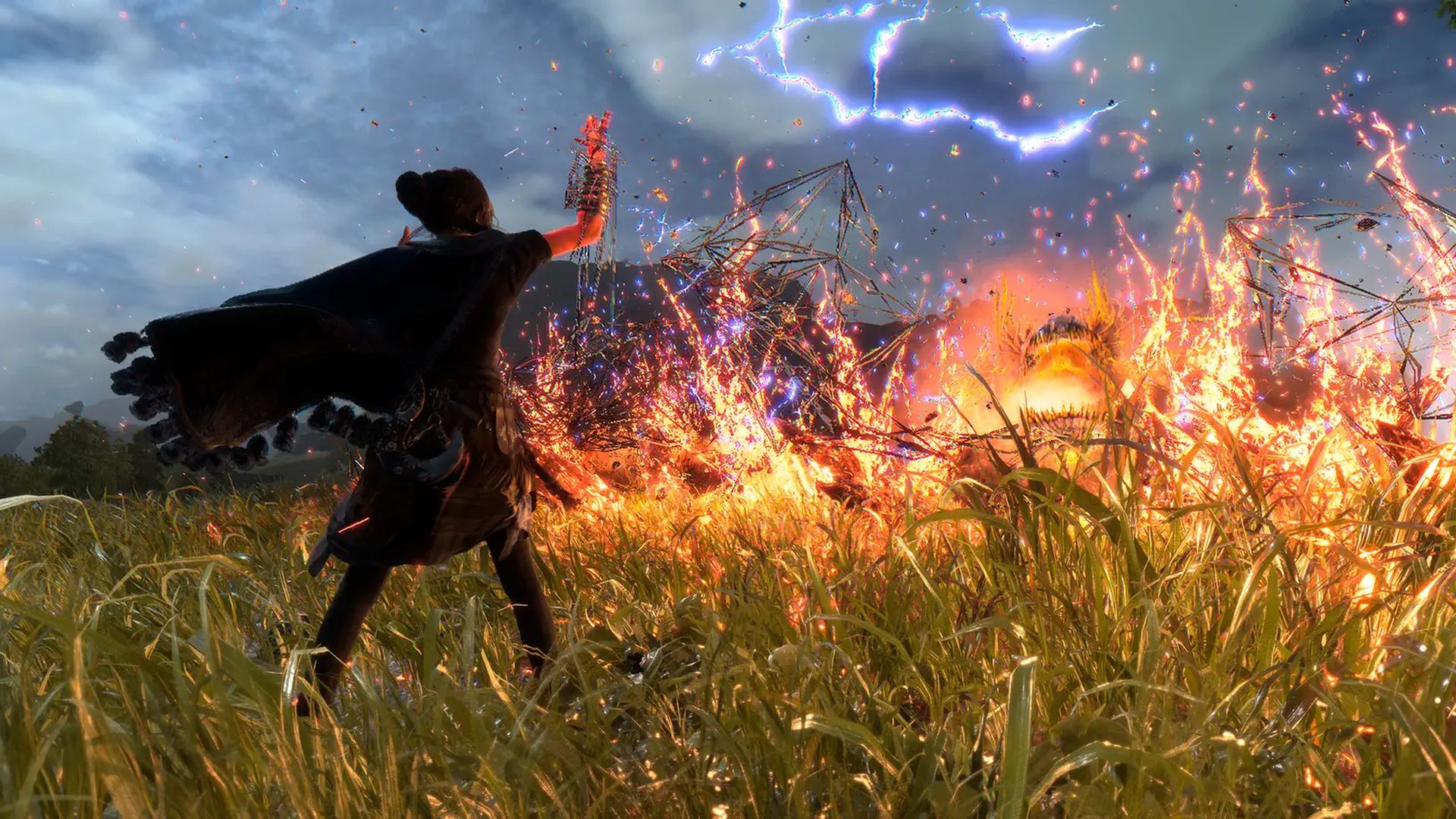
Forspoken Guide: How to Reduce Frey And Cuff Dialogues, And Auto Collect Items

The most critical tip of Forspoken: ensuring Frey and Cuff don't sprout non-sense every now and then.

Posted By | On 25th, Jan. 2023

Forspoken

Most AAA, big-budget games nowadays include a number of features that make the gameplay less tedious. Their sole purpose is to reduce boredom by getting rid of mundane tasks and unwanted fluff that don’t contribute to the actual gaming experience. Forspoken is no stranger to such practices, and in this guide, you’ll learn a few tips and tricks to help you enjoy the game even more.

How to make Cuff and Frey speak less in Forspoken?

Scuff’s endless sarcastic commentary sounds fun in the beginning, but it soon nosedives into mindless banter. It’s quite irritating, especially if you want to concentrate on the game. Here are a few ways to shut him up, or at least make his constant jibber-jabber more bearable.

Disabling controller speakers – By default, the speaker on a PS5 controller is turned on. Do yourself a favor and turn it off from the settings menu; otherwise, Cuff will chew your head off with his incessant rants.

Adjusting Cuff’s chat frequency – Cuff’s chat frequency can be adjusted from within the game. Go to Accessibility Settings > Cuff Chat Frequency and adjust it according to your preferences. The high setting makes Cuff chat nonstop. The minimal setting makes him chat a decent amount, and the low setting limits his dialogues to essential story events only. The default setting does exactly what its name suggests.

How to automatically pick up items in Forspoken?

There are a bunch of resources (rocks, fungi, flowers, and feathers) in Forspoken, and picking all of them manually can get very boring very quickly. Therefore, instead of stopping every few steps to pick an item, you can simply automate the entire task and keep playing the game without any worries.

Simply go to Accessibility Settings > World Settings > Activate Automatic Item Gathering. Once activated, all crafting materials (excluding the ones inside chests) are automatically transferred to your inventory whenever you walk past them.



Amazing Articles You Might Want To Check Out!

Keep On Reading!

Trails in the Sky 2nd Chapter is Officially Confirmed, Launching by September 2026

Trails in the Sky 2nd Chapter is Officially Confirmed, Launching by September 2026

The sequel to Trails in the Sky 1st Chapter will directly continue the tale of Estelle and Joshua while upping...

Dynasty Warriors: Origins – Visions of Four Heroes DLC Adds New Scenario, Evolved 1 vs. 1000 Fights

Dynasty Warriors: Origins – Visions of Four Heroes DLC Adds New Scenario, Evolved 1 vs. 1000 Fights

Fight alongside Zhang Jiao, Dong Zhuo, Yuan Shao and Lu Bu with brand new Battle Arts and weapons like the rop...

Octopath Traveler 0 Demo is Out Today, Covers the RPG’s First 3 Hours

Octopath Traveler 0 Demo is Out Today, Covers the RPG’s First 3 Hours

Experience the prologue, go up against three Masters, engage in town-building, and more with progress transfer...

PS5 is Getting a Japan-Only Digital Edition on November 21st for ¥55,000

PS5 is Getting a Japan-Only Digital Edition on November 21st for ¥55,000

Pre-orders open on November 13th in the region, with the console only usable with Japanese PlayStation Network...

Monster Hunter Wilds’ Next Title Update and First Elder Dragon Arrives on December 16th

Monster Hunter Wilds’ Next Title Update and First Elder Dragon Arrives on December 16th

The Giant Halberd Dragon, Gogmazios, makes his debut alongside new endgame activities, seasonal events, and mu...

Elden Ring: Nightreign – The Forsaken Hollows DLC Announced, Out on December 4

Elden Ring: Nightreign – The Forsaken Hollows DLC Announced, Out on December 4

The DLC will bring with it a host of new content, including two new characters, as well as new bosses and Shif...




