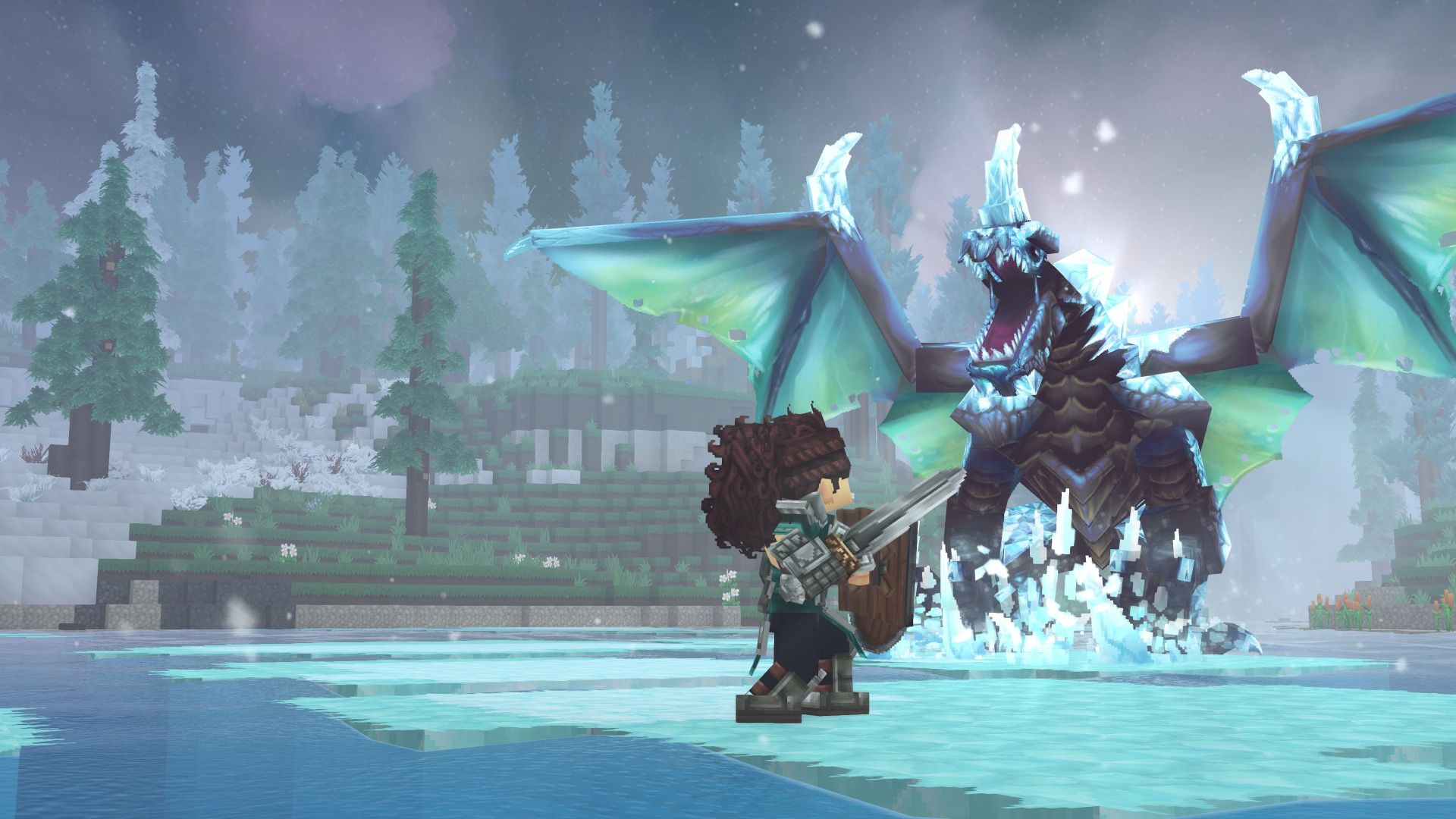
As you run around the map in Hytale you will probably be stumbling across much more than you can actually hold in your Inventory. That is where the Backpack consumable upgrade comes in to save your sanity from sorting stuff.
This guide for Hytale is everything there is to know about increasing the number of Inventory slots through the use of Backpack upgrades.
How To Craft And Use A Backpack
The first Backpack upgrade is readily available as soon as you have a general Workbench to craft it from. This upgrade is buried in the fourth tab along the top, titled ‘Tinkering’. Crafting the Backpack requires the following materials:
- Iron Ingot x8
- Medium Leather x8
Iron Ingots are readily smelted in the Furnace from Iron Ore, which should be plentiful in the starting area. Medium Leather may pose more of a chore as you will have to slaughter your way through a number of Wolves and Moose, and then process their Medium Hide loot drops in a Tanning Rack.
Once you have the Backpack in hand, you will need to equip it in your hotbar in order to use it. If you are puzzled about why it disappears, that is because it merely adds an additional row of nine slots in your Inventory, rather than acting as a bag within your Inventory. You can access these additional slots by clicking the bag icon to the right of your character, last in the column under Pocket Crafting and Collected Memories. Since the buttons are toggles, you can simply keep it as the default option in order to always remain visible.
Note that further crafting and consumption of additional Backpacks is a pointless waste as it is a one-time use item. You will see the message ‘An item of this type can only be used once and you have already used one!’
Instead you will want to craft the two distinct Backpack Upgrades.
Upgrade A Backpack
The first Backpack Upgrade is relatively easier and requires a Workbench that has been upgraded to Tier 2 in order to begin. Crafting the Backpack Upgrade I requires the following materials:
- Cindercloth Scraps x40
- Cobalt Ingots x8
- Heavy Leather x24
Cindercloth Scraps are exclusive to volcanic biomes as loot drops from enemies there. Cobalt Ingots will need to be smelted in a Furnace in a 1:1 exchange from Cobalt Ore, which itself is found in the mountains of cold biomes, as well as in certain mining sites in the desert.
Heavy Leather is processed in the Tanning Rack from Heavy Hides, which will have to be gathered from slaughtering various large animals such as the bears and crocodiles.
The Backpack Upgrade I is activated in the same way as the Backpack, by equipping it in your hotbar and subsequently using it to unlock an additional row of nine slots in your Inventory. It too, is a single-use item and cannot be crafted and used again.
Backpack Upgrade II
Backpack Upgrade II is a chore and requires the general Workbench to be upgraded to Tier 3 first. Crafting the Backpack Upgrade II requires the following materials:
- Voidheart x1
- Adamantite Ingots x8
- Storm Leathers x16
It is fortunate that only a single Voidheart is required for this upgrade, as it is a fairly rare enemy drop from rare enemies that appear exclusively at night: the various Voidspawns.
Adamantite Ingots will need to be smelted in a Furnace in a 1:1 exchange from Adamantite Ore, which are exclusive to the Cinder Wastes of the Devastated Lands, both overland and underground. Mining it requires Pickaxes from advanced materials.
Storm Leather should come from Storm Hides in keeping with the pattern of previous hides and leathers, however neither spawn currently, nor do any creatures exist that could potentially drop them as loot.
This means that this Backpack Upgrade II is currently only possible in creative mode or via console commands.
The Backpack Upgrade II is activated in the same way as the Backpack and Backpack Upgrade I, by equipping it in your hotbar and subsequently using it to unlock an additional row of nine slots in your Inventory. It too, is a single-use item and cannot be crafted and used again.
That is everything currently known about expanding your Inventory slots with the Backpack and its two separate Backpack Upgrades in Hytale.