







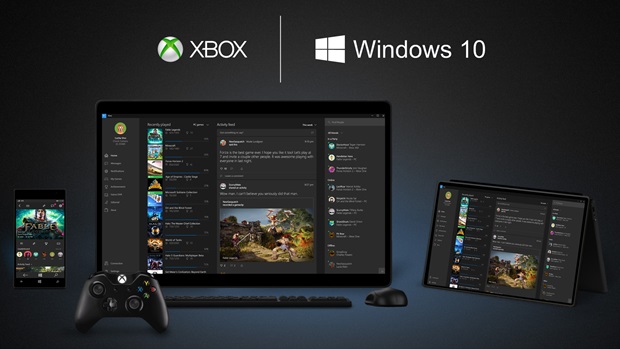
Once not so long ago, Microsoft tried to create their own storefront for PC gaming. It was called Games For Windows Live, and the big selling point for it was at the time unprecedented cross functionality with Xbox (notably, you would have the same Gamertag and you would also share your Gamerscore and Achievements across Xbox and GFWL).
It was a major bust, but the biggest reason for that was Microsoft’s insistence of charging an actual subscription fee for the service- on a platform like PC, where so many other, free alternatives suggest, that went about as well as you might imagine.
Now, they are trying again. The pitch is the same- an Xbox and PC ecosystem, and they have their games that they are selling from their storefront. How do we know they won’t be charging for the service this time? Well, because they said so. We’ve already reported before that Microsoft will not charge users extra for the Xbox Anywhere initiative, which is a complete and extensive Cross Play program for all Microsoft published games. But now, they are also confirming that no extra fees will be required for PC players who wish to play with Xbox players- in spite of the need to interface with Xbox Live in that case.
“If you are on a Windows 10 PC, and log into your Xbox Live account, you can play multiplayer games and take advantage of Xbox Play Anywhere [without any extra charge],” Microsoft’s Xbox head of marketing Aaron Greenberg confirmed in an interview with GamerTag Radio. When asked specifically about cross platform play between Xbox One and Windows 10, he confirmed that there would be no extra charge.
“You can do Cross-Play with games like Gears of War 4 [with no extra charge].”
So there you go- Microsoft may be going for the same pitch again this time that they did the last time, but at least they seem to have learned from their mistakes. Will that be enough to overcome all the other issues with their Windows Store and UWP propositions? I think that Xbox Anywhere provides a value proposition good enough that it might be- but that remains to be seen going forward.






