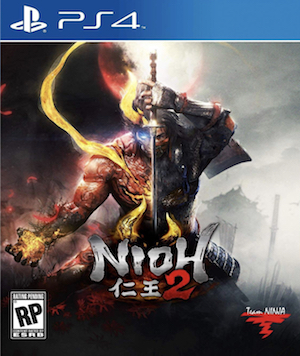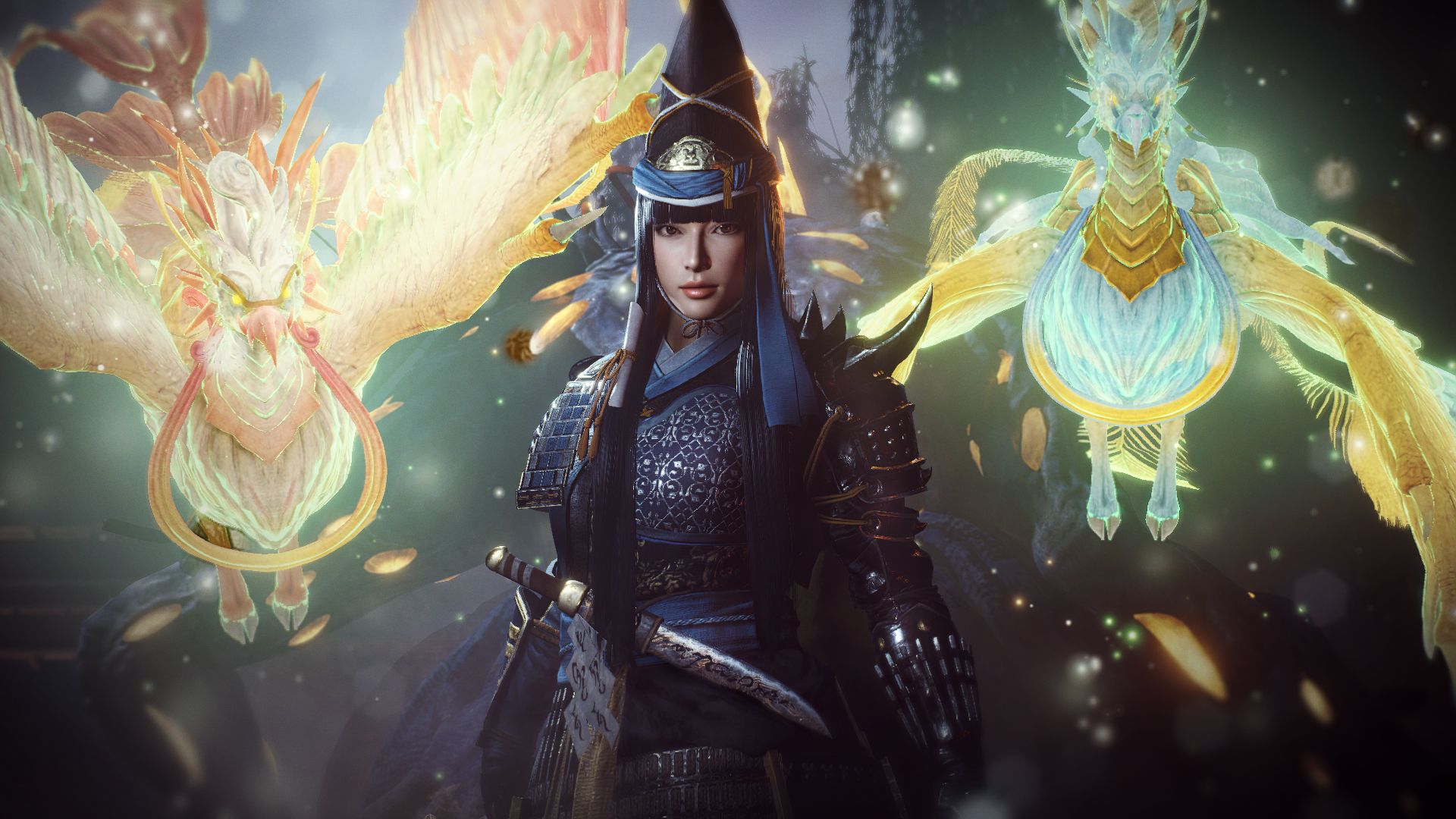
Nioh 2 was the sequel to Team Ninja’s acclaimed action RPG and was largely met with the same positive critical reception as well as some pretty solid sales. Much like the first game, it released originally as an exclusive to the PS4 and then found its way onto other platforms. Namely, that meant an enhanced release with all post-launch content for PS5 and PC. The latter saw some issues, however, and the developer has been trying to fix up the PC port since its launch. Now, we have some more for PC players.
The latest update for the PC version, 1.27.2, addresses some problems people had with the current support for keyboard and mouse. Now you can reset individual key settings as well as adjust key icon sizes and positions. In addition to that, it also fixes some problems in the game’s Photo Mode people had with keyboard and mouse or wrong key guides were displayed. You can see the list of patch notes below or read them in full through here.
Nioh 2 is available now on PlayStation 5, PlayStation 4 and PC. Update 1.27.2 is live now on PC.
PATCH NOTES:
Additional Features
– Added the option to reset individual key settings for items blank by default in “Keyboard and Mouse Settings”.
Adjustments
– Adjusted the size and position of some key icons.
– Changed some icons displayed when changing multiple button assignments in the “Keyboard and Mouse Settings”. Only “Shift”, “Ctrl”, “Alt”, and “Space” will now have unique icons.
Bug Fixes
– Fixed an issue in which the position of the light in Photo Mode could not be controlled with the keyboard or mouse.
– Fixed an issue that caused unintended actions after certain key assignments were made in “Keyboard and Mouse Settings”.
– Fixed an issue where some actions could not be performed after certain key assignments were made in “Keyboard and Mouse Settings”.
– Fixed an issue where the wrong key guides were displayed on some screens.
– Fixed an issue that caused errors when displaying user names on Benevolent and Bloody Graves.
– Fixed an issue that caused a crash when selecting “Random Settings” under “Appearance Settings” while “DLSS” was enabled.
– Fixed an issue that prevented some graphics settings from being reflected at launch.
– Fixed an issue where audio volume settings were not reflected in movies immediately after launch.
– Fixed other minor bugs and issues.