



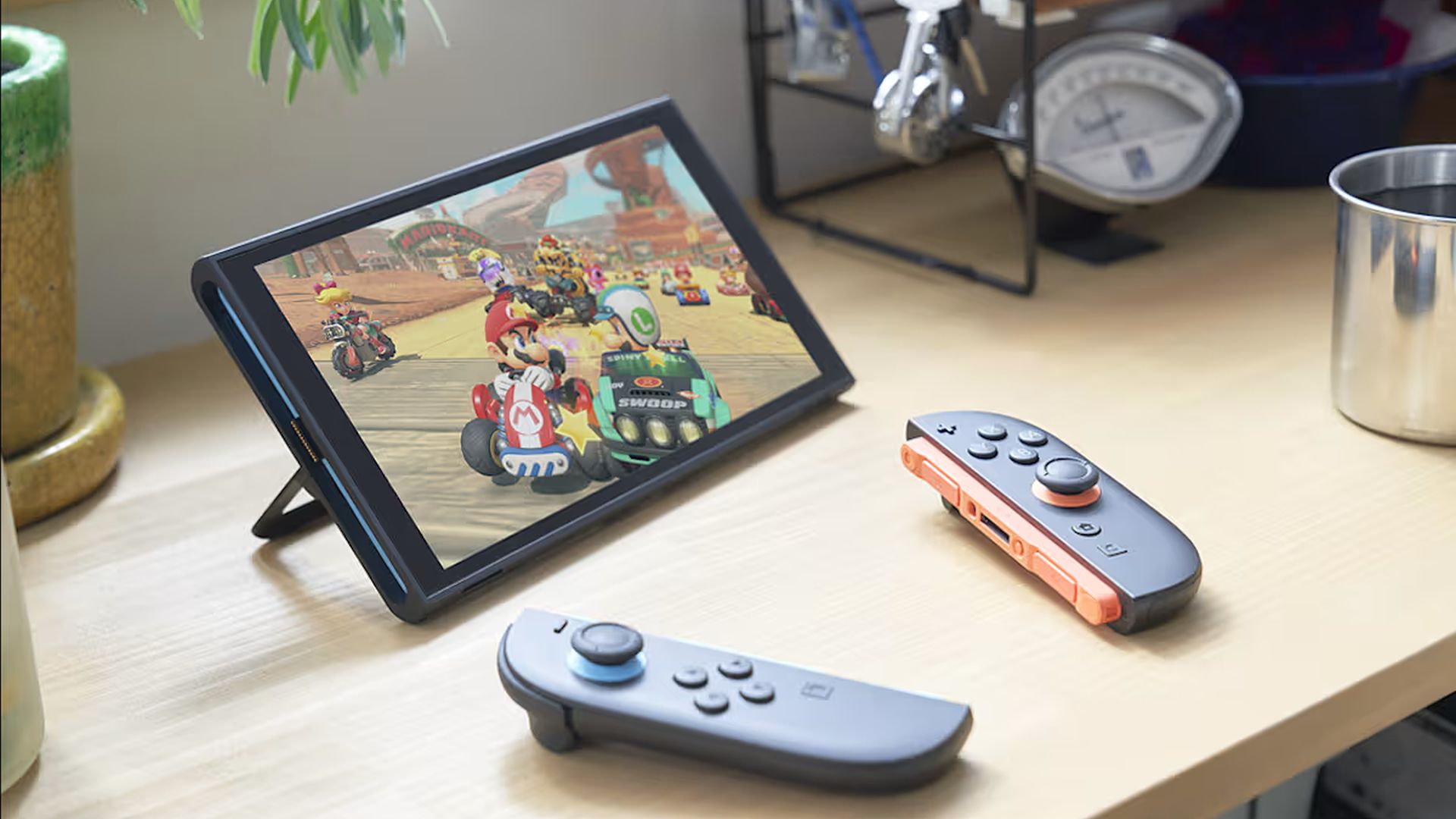
Nintendo has released a new update for the Nintendo Switch and the Switch 2, bringing a major new feature to the platforms – the ability to buy gifts through the eShop. However, the company has implemented the feature in a roundabout way. When compared to a platform like Steam, where one can simply buy a game as a gift and send it to them through an email link, the Nintendo eShop requires the account receiving the gift to be in a family with the one sending it.
It is also worth noting that, while the update has gone live, the ability to gift is slated to arrive on November 16th. In the meantime, the company is likely getting its servers ready for inevitable gifts going back and forth during the upcoming Black Friday sales. The company has also confirmed that not all games available on the eShop support gifting. Along with this, users will have to deal with a limited number of gift purchases “in a given period.”
Once the eShop update goes live, Nintendo Switch and Switch 2 users will find a “Give as a gift” option on the eShop listings for select games. After picking this and the recipient, they will then be able to select which of the recipient’s devices the gift is sent to, as well as a gift wrap color that would show up when the recipient turns on their system. After this, the purchase is completed as usual. Take a look at the complete step-by-step guide offered by Nintendo below.
Aside from this, both platforms have also gotten “general adjustments and fixes” that “improve the user experience.” First-time users of the Nintendo Switch 2 will now find the ability to configure accessibility settings during the console’s first-time setup, and there is now support for Portuguese (Portugal) in Text to Speech and GameChat’s “Convert Text to Speech” features. For more details, check out the full patch notes below.
Nintendo Switch and Switch 2 version 23.5.0 patch notes:
How to send a gift
- To send a gift, follow these steps:
- Visit Nintendo eShop on your device and find the game you’d like to give as a gift.
- From the product page, select the Give as a Gift checkbox, then proceed to purchase.
- Select the gift recipient from the list of members of your family group. You’ll also be able to select which of their linked systems to send the gift to.
- After selecting your gift wrap color and other options, you’ll complete the purchase as usual.
Please note that gifts are sent to your recipient immediately, so be sure you’re ready!
- Added the ability to configure accessibility settings during first-time setup.
- Information on these accessibility settings can be found in Nintendo Switch 2 first-time setup.
- Added support for an upcoming feature to allow gifting of Nintendo eShop products to a Nintendo Account family group member.
- This gifting feature will be available after a Nintendo eShop update, scheduled for November 17, 2026.
- The following updates have been made in Accessibility in System Settings:
- Added Portuguese (Portugal) to “Text to Speech” languages.
- Added Portuguese (Portugal) to the GameChat “Convert Text to Speech” languages.
- General adjustments and fixes were made to improve the user experience.