







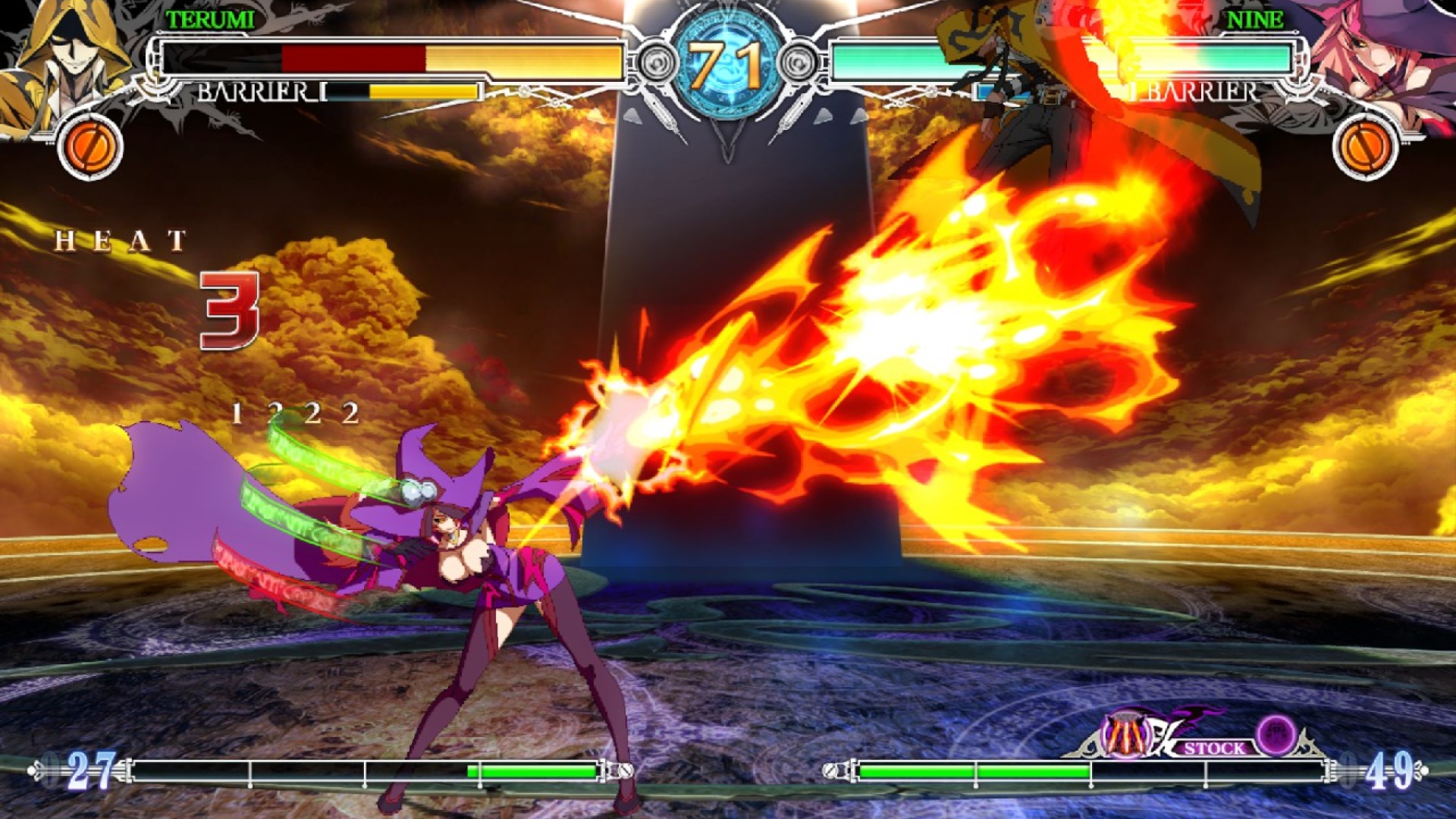
One of the most surprising and welcoming news BlazBlue and fighting game fans got last year was Arc System Works adding rollback netcode and more features into BlazBlue: Central Fiction, which is the current entry in the long-running BlazBlue series of fighting games. Since then, the game has been in a public beta test, and features have been tested and added to it regularly.
Similarly, another new update adds in quite a few handy features into the game, as mentioned via patch notes posted in the public test sticky on the BlazBlue Central Fiction Steam discussion forums. One of the most helpful and useful features this update adds is the ability for players to rematch games during a player match online. Apart from that, players can now stop spectating an ongoing match mid-way and return to the player lobbies, and opponents played online will now be added into the Steam’s Recent Games list. The update also fixes a lot of network-related bugs.
To read the changes in more detail, check out the full patch notes for the BlazBlue Central Fiction update down below.
Update Notes:
New Features
- Implemented Rematch for Player Match.
- Players can leave the spectating battle while spectating a match mid-way and return to the room in Player Match now.
- Display current app version at the bottom left of the main menu.
- Adjusted the ping/connection icons to better reflect connection quality.
- Added Steam and Discord rich presence compatibility.
- Opponents played will now be added to Steam’s “Recent Games” list from the “Players” or “View Players” menu.
Bug Fixes:
- Game now properly cancels submitting erroneous D-Code data to the server when it is unable to retrieve the D-Code data from the server, which previously resulted in D-Code results being reset.
- Fixed an issue where Desync error messages appear when a spectator takes too long to load a game.
- Fixed a bug where the game shows the players previously played with as “unknown” if those players are not registered on the user’s friend list.
- Game will now use the dedicated graphics card for the computer as priority over the integrated card, if available.
Verified issues:
- In Player Match, while the host is spectating a match, if the host leaves the spectate and returns to the room, the ongoing match gets disconnected.






