




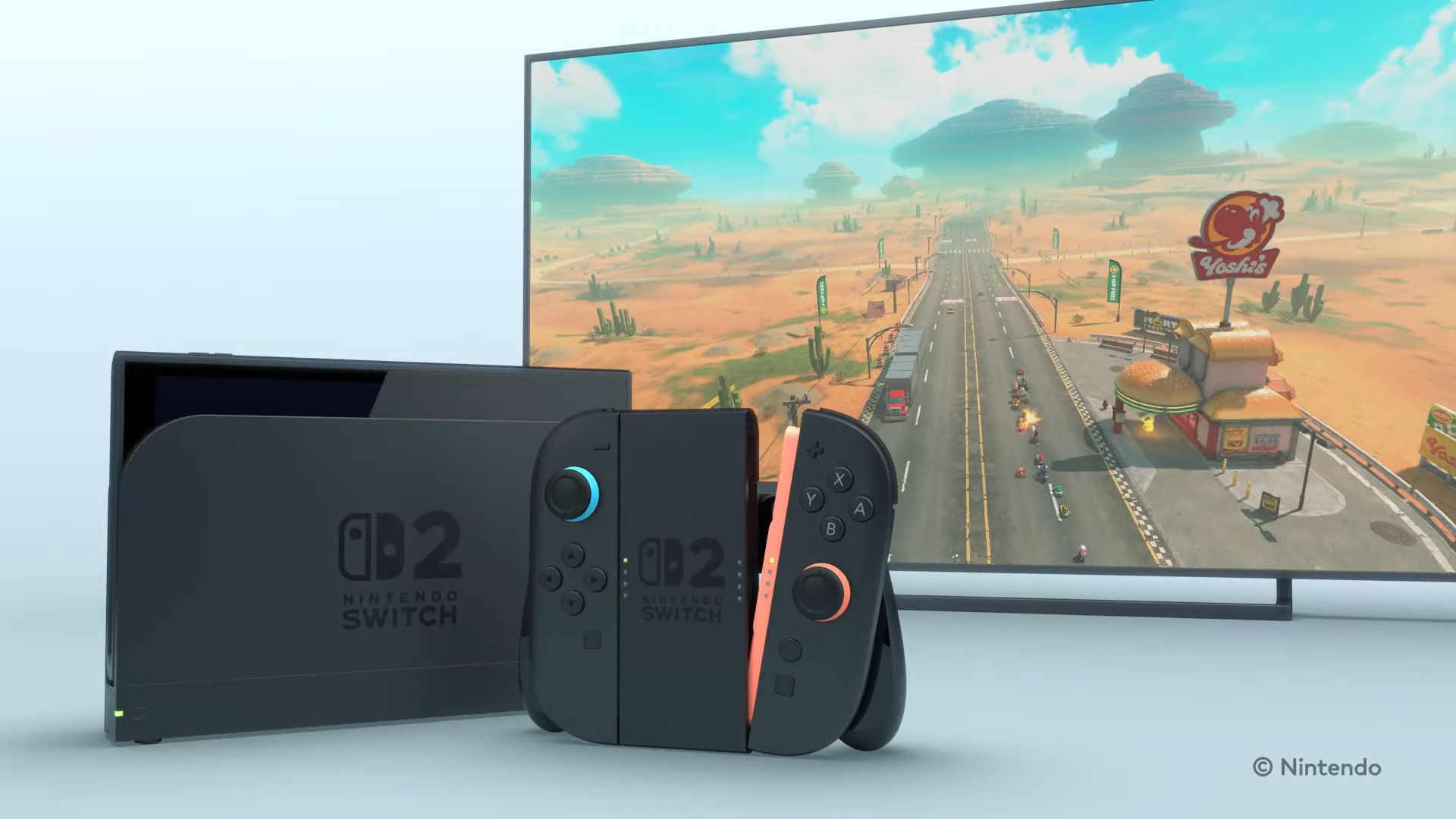
Nintendo has released firmware updates for the Switch and the Switch 2, with the latter getting a major new feature in the form of support for variable refresh rate displays when it is docked, along with enhancements to GameChat. After installing the update (via IGN), Nintendo Switch 2 users can find a VRR Output toggle in the console’s settings, which can be enabled on supported displays to improve general gameplay performance.
The feature is especially noteworthy for games that would otherwise be unable to maintain a stable frame rate due to inconsistent frame timing. With VRR Output enabled, displays can match their refresh rates to the output of the console, and thus ensure that the frame rate remains stable for the player, mitigating issues like stuttering or hitches that might pop up in low frame rate games.
On the GameChat side of things, the update now allows players to join a new chat without selecting any friends. Players can also check a list of chats they were previously a part of. Virtual Game Card has also gotten some improvements, with a separate Virtual Game Card list screen now being available.
Nintendo Switch players, on the other hand, can look forward to similar Virtual Game Card UI improvements. The update also allows players who are unable to transfer a virtual game card from another console to temporarily play the game using an online license with a “Play with Online License” option that will now pop up. It is worth noting, however, that this will only be available to those who had already purchased a copy of the game.
For more details, check out the full patch notes for both consoles’ firmware updates below.
Nintendo Switch 2 – Version 23.0.0 (10th September 2026)
- We took the following actions in “GameChat”:
- We’ve added a feature that displays chats you’ve previously participated in in the list of chats you can join.
- We’ve made it possible to join a new chat without selecting any friends.
- We’ve added a button to change the screen size in the menu that appears when you press the C button during a chat.
- We’ve added a “Settings” option to the “Virtual Game Card” list screen.
- You can check the registration status of the device using the virtual game card.
- VRR output is now supported in TV mode. When both the software and the TV support it, the video will be output at a refresh rate that matches the game’s processing speed. An update to the Nintendo Switch 2 Dock is required to enable this feature.
- Nintendo Switch 2 now supports “complete data transfer” between two Nintendo Switch 2 consoles. You can transfer all your data, including save data and screenshots, from your Switch 2 to your new Switch 2 console.
- Made the following changes in “Settings”.
- Under “Accessibility” → “Text-to-Speech,” we have added support for text-to-speech in Portuguese (Brazil).
- Under “Accessibility” → “Voice-to-Text Conversion for Game Chat,” we’ve added Portuguese (Brazil) to the list of languages for “Text-to-Speech Conversion.”
- We’ve made it so that the “Audio” -> “TV Sound” settings are saved for each connected TV.
- The item name “Display” → “Dock Output Information” has been changed to “Video Output Information” to allow users to check in detail the video signals that the connected TV can display.
- We’ve added a “VRR Settings” option to the “Display” section.
- We’ve added a feature to “Mii” that allows you to create a QR code of your Mii and share it with other users.
- We’ve added a feature that allows you to instantly play and check the sound when you change the volume under “Sleep” → “Sleep wake-up sound when playing on TV”.
- We have added an item to “System” → “Switch Software Operation Mode” → “Toggle Handheld Mode Boost in Quick Settings”. Turning this setting ON will allow you to toggle the Handheld Mode Boost ON/OFF in the Quick Settings menu that appears when you long-press the HOME button.
- We’ve added a new option: “System” → “Transfer all to Nintendo Switch 2”.
- Even if you cannot transfer the virtual game card from another console when starting the software, you can now temporarily play the software using an online license. If another console is offline and you are unable to transfer the virtual game card, the “Play with Online License” button will appear. Only the person who purchased the software can play it using an online license.
- Added a feature to play background music in the Mii editing screen. You can switch or stop the background music (BGM) using the “BGM Settings” button in the upper left corner of the screen.
- Regarding handheld mode boost, we’ve made it possible to use other controllers even while Joy-Con 2s are attached to the console.
- In the “My Page” → “Profile” play record, play time when playing the same software on multiple consoles will now be aggregated. The games you’ve played since the update will be displayed in chronological order.
- We have fixed several issues and improved operational stability.
Nintendo Switch 1 – Version 23.0.0 (10th September 2026)
- We’ve added a “Settings” option to the “Virtual Game Card” list screen. You can check the registration status of the device using the virtual game card.
- Even if you cannot transfer the virtual game card from another console when starting the software, you can now temporarily play the software using an online license. If another console is offline and you are unable to transfer the virtual game card, the “Play with Online License” button will appear. Only the person who purchased the software can play it using an online license.
- We have fixed several issues and improved operational stability.