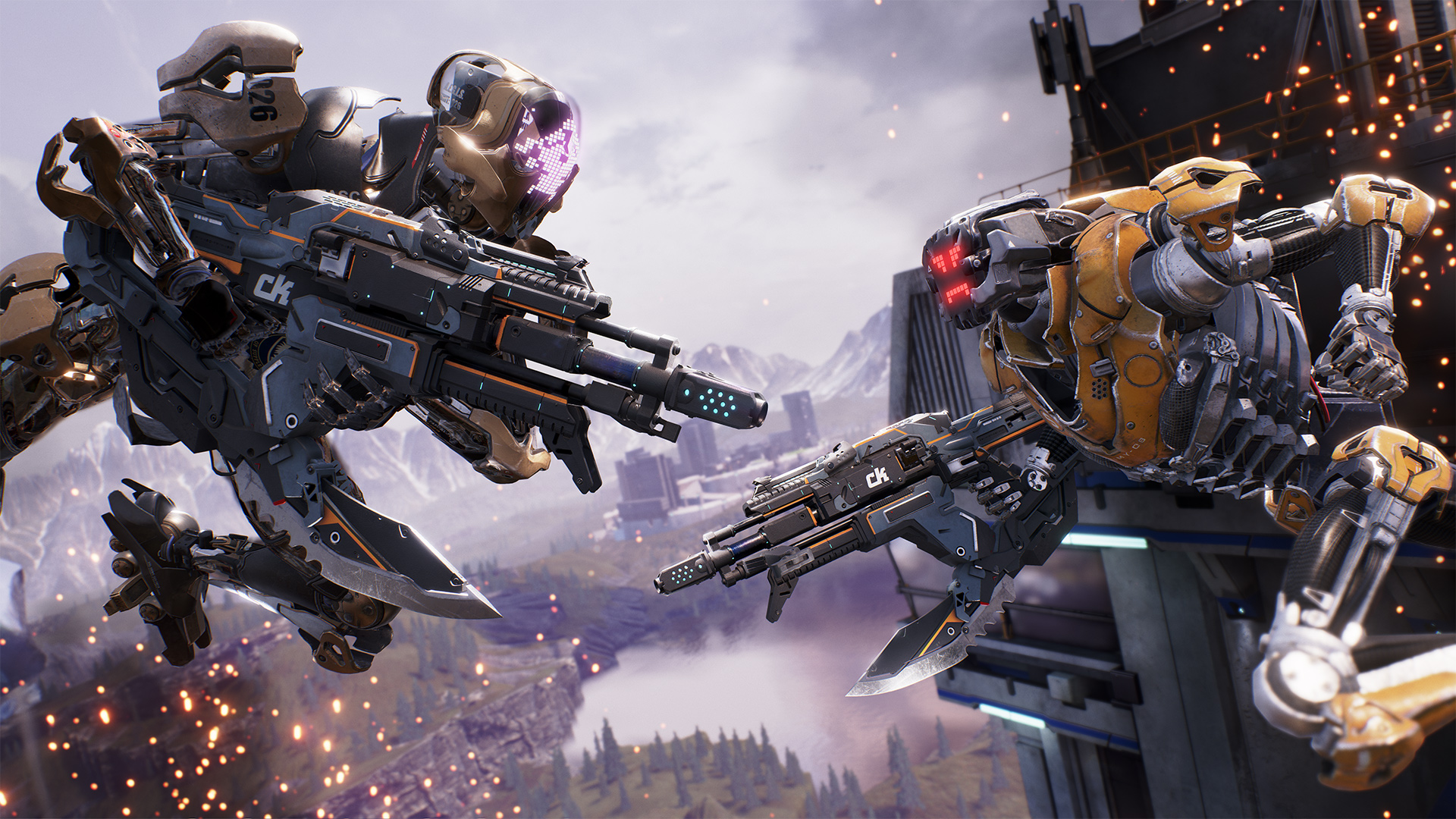
Cliff Bleszinski’s newest game is now out. Lawbreakers takes a lot of cues from Blizzard’s Overwatch structurally, but in terms of aesthetics and actual gameplay, it has the kind of sensibilities you expect from a Cliffy B game.
Bleszinski cut his teeth on PC gaming- so of course it makes sense that his newest game runs like a dream on PC. That said, of course, given the sheer range and permutations of PC hardware that can be found on the market, you may run into trouble running the game on your rig. That’s where we come in. In this guide, we attempt to address some of the most common problems found with the PC version if Lawbreakers.
But first, the specs:
MINIMUM:
- OS: Windows 7, Windows 8.1, Windows 10 (64-bit versions only)
- Processor: Intel Core 2 Duo E6600
- Memory: 4 GB RAM
- Graphics: Nvidia 460 (1GB)
- DirectX: Version 11
- Network: Broadband Internet connection
- Storage: 12 GB available space
RECOMMENDED:
- OS: Windows 7, Windows 8.1, Windows 10 (64-bit versions only)
- Processor: Intel Core i7 -4790
- Memory: 16 GB RAM
- Graphics: Nvidia GTX 970
- DirectX: Version 11
- Network: Broadband Internet connection
- Storage: 12 GB available space
Please be advised that the following methods are to be used at the sole discretion of the system owner. GamingBolt or its staff members take no responsibility for problems that may arise or issues that may occur from trying the below. Always remember that official support is always the best support.
GENERAL FIXES
Generally speaking, some basic troubleshooting tips should always help you resolve whatever issue you are facing with the PC version of any game. The same holds true of Lawbreakers as well. If you are running into problems, maybe first attempt the following steps, and if they don’t work out, look into some of the more specific fixes we have below.
- Make sure the drivers on your PC are updated
- If you have two GPUs, make sure you are using the discrete GPU instead of the integrated one
- Set Lawbreakers‘s priority to High in the Task Manager
- Turn off any background programs, including firewalls, chat clients, video recorders, and overlays
- Try lowering visual settings on the game to see if that improves game performance
STUCK ON MAP LOADING
If you are stuck on the map loading screen, the only fix is to exit the game, exit Steam, and then wait a while to restart the game. Note that you must wait a while before you restart the game- starting it too son after quitting basically puts you back in trying to load the game that was unable to load and got you stuck to begin with.
NGS FAILED TO INITIALIZE PROPERLY
To resolve this issue, run Steam (and the game) as an Administrator.
MAIN MENU SCREEN ISSUES
Change the native language of the game from ‘native’ to ‘eng’ on the bottom of the menu.
UNABLE TO CHANGE RESOLUTION
The only fix to this is to change the resolution at which your computer itself renders for now.
FREEZING
This appears to happen if you excessively Alt-Tab. The solution to this would be to… well, to not Alt-Tab. You can also look into turning off V-Sync, or running the game in Windowed Mode, as a fix.
Note: Given that the wide range of PC hardware out there, the fixes mentioned here may or may not work for you. But it’s worth giving them a shot since these have worked for players who own the PC version of LawBreakers.