





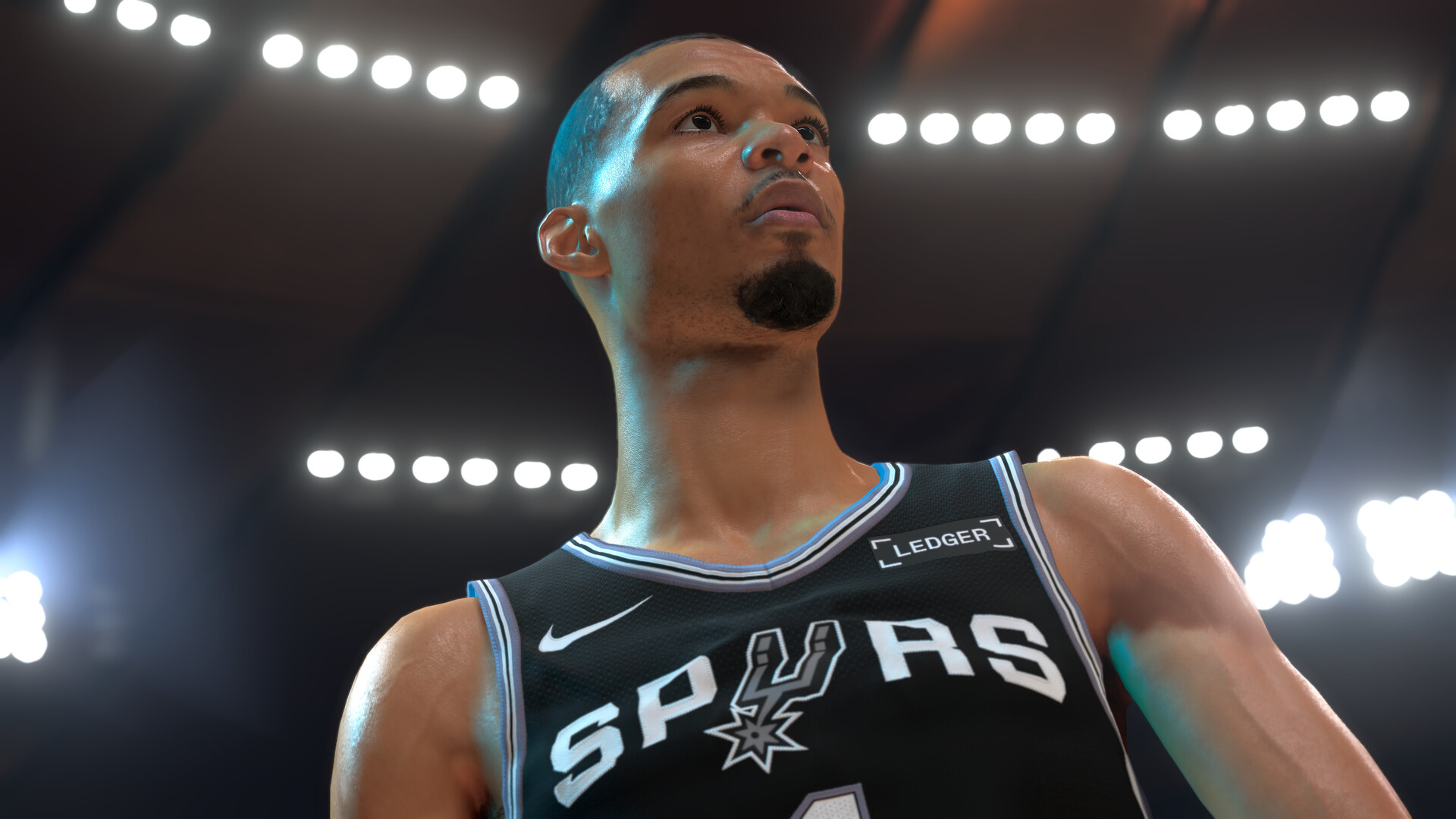
Foregoing the shot meter in NBA 2K27 can confer a significant accuracy boost to your release window. By tweaking a selection of settings in-game, you can widen that window thus making it easier to read and accurately time animations.
This NBA 2K27 guide is all about how you can shoot better without a shot meter, and what settings to tweak in order to do so effectively.
Optimized Settings
Before even setting foot on the courts, tweak your game settings:
- Turn Off the Shot Meter under Options/Quit > Customize HUD > Shot Meter Shots > Visibility for Shots
- Set Shot Timing Visual Cue to Push or Release under Options/Quit > Controller Settings
- Set Shot Feedback to All Shots for immediate textual feedback.
- Disable trigger vibration to eliminate unnecessary distractions, though some players find tactile feedback is actually a positive.
Button Versus Stick Shooting
Shooting with a single button as opposed to pushing the stick around has been a point of contention since the previous game, with regards to which is more effective, but it ultimately boils down to which one feels more natural to you as a player.
Button shooting remains a single input, while stick or rhythm shooting requires the double input of both pulling back on the stick and then pushing it forward with an eye for perfectly timing the latter.
This naturally makes button shooting much more reliable for accurately timing your shots.
Visual Cues For Release
If you’re trying to discern what to look out for, it depends on which of the shot timing visual cues you have selected:
For Push, release the input right when the player is pushing the ball away from their head.
With Release, let the input go at the very apex of the jump, right about when the ball breaks contact with the player’s hands.
Note that fatigue can have an impact on the speed of animations, so you will need to factor that in as well.
That is everything there is to know about successfully shooting without the shot meter for a greater advantage in NBA 2K27.