







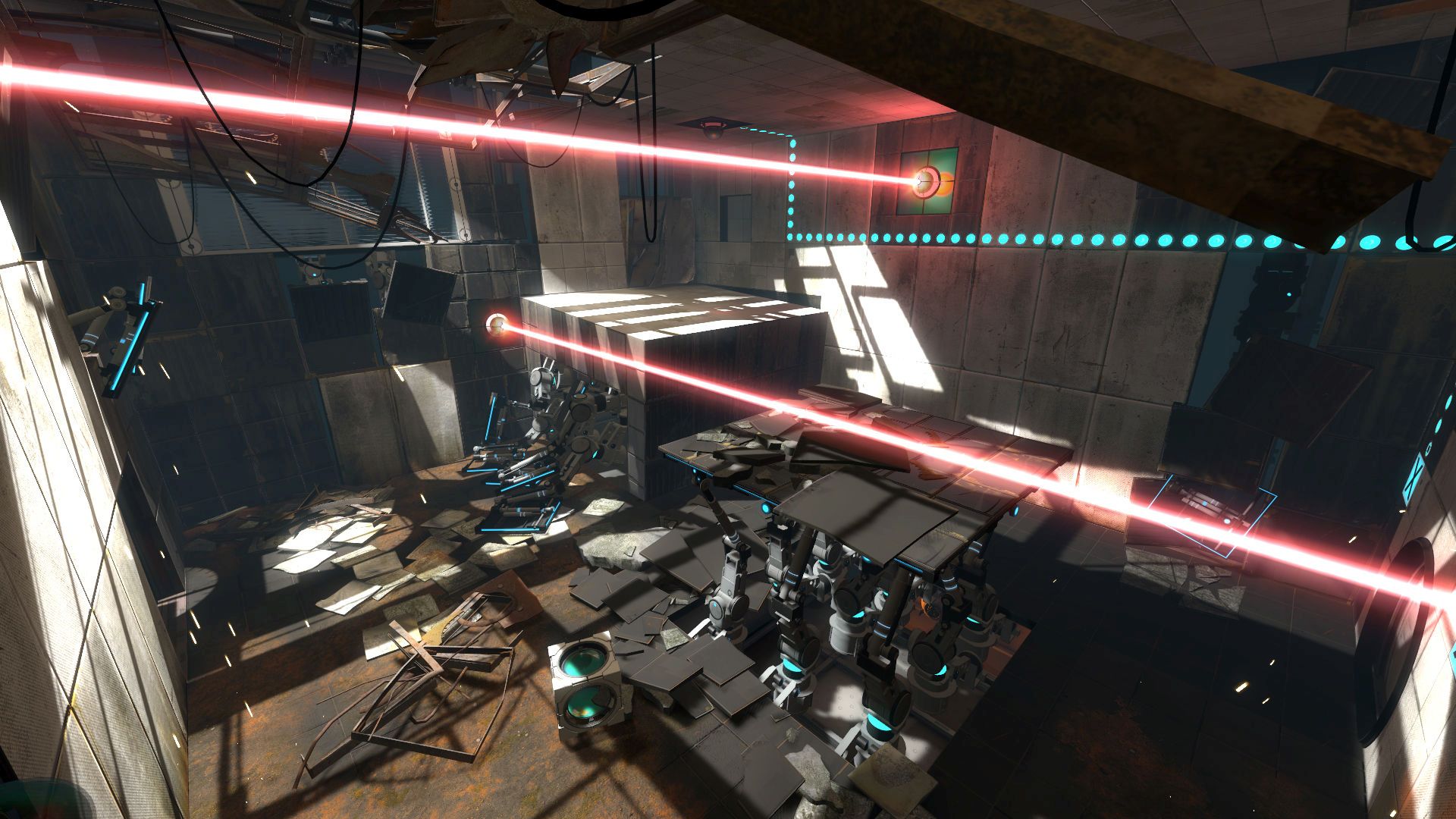
It’s been a rather odd period for Valve games, what with the announcement of a new Half-Life game called Half-Life: Alyx for VR and several old games getting patched. Now it’s the turn of Portal 2 which has received a few tweaks to its co-op settings. Essentially, you can now have one player on mouse/keyboard and another player on the controller.
The community co-op map queue also has local co-op support which is good news. Quickplay isn’t support though so keep that in mind. With Valve’s Remote Play Together feature also launching, it’s also possible to play split-screen with another player.
Check out the full range of fixes below. As for Half-Life: Alyx, it’s set to be revealed later today at 10 AM PST. Described as a “flagship” VR title, one can assume that it’s a spin-off from Half-Life 2 focused on Alyx Vance, Gordon Freeman’s cohort. Perhaps there’s something more to it though, maybe a relation to a long dormant third game in the franchise? Stay tuned for more details later today.
Windows
Fixed an issue where in-game audio caption language would use the system language setting instead of the Steam language setting.
Controller support
- Improved camera control through Steam Input – the sensitivity scale has changed so you may need to increase your configuration’s sensitivity.
- Add local coop support for one controller player and one Mouse/Keyboard player.
- Add local coop support from the community coop map queue. Quickplay is still not supported.
- Fix XInput related options being hidden when connecting a Steam Input enabled controller using a Gamepad configuration.
- Fix the challenge mode screen not having enough footer buttons available through Steam Input.
- Fix several more bugs where the incorrect action set could be set in Steam Input.
- Fix several cases where having a controller connected but not active would affect the glyphs and settings screen options.






