



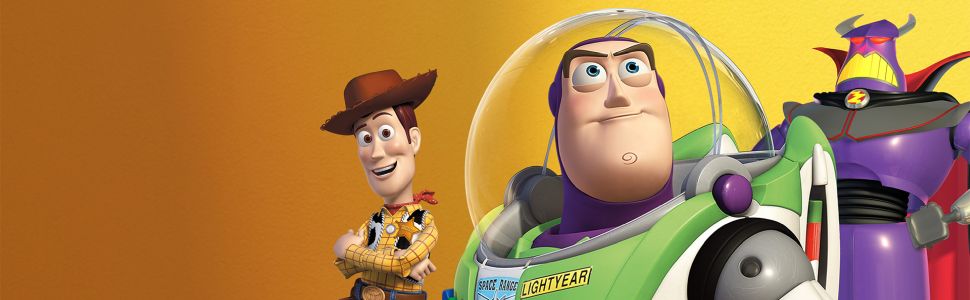
Digital Eclipse’s editorial director, Chris Kohler, was kind enough to answer some of our burning questions about the recently-released Toy Story: Retro Roundup!. Subjects for discussion included the difficulties in bringing over older games, the addition of A Bug’s Life, and even how Practice Mode can help players learn difficult sections of the game.
The collection includes multiple console and handheld interpretations of these games. What guided the choice of versions, and were there significant differences between them that you particularly wanted players to rediscover?
For every project, we have to look at the scope and timeline, the available technology, and other factors that determine which versions of which games we’re able to support. In the case of Toy Story: Retro Roundup!, we were able to support the PlayStation 1 versions of the 3D games in the collection as well as the Game Boy handheld versions of each game, and the Super NES and Genesis versions of the first Toy Story game.
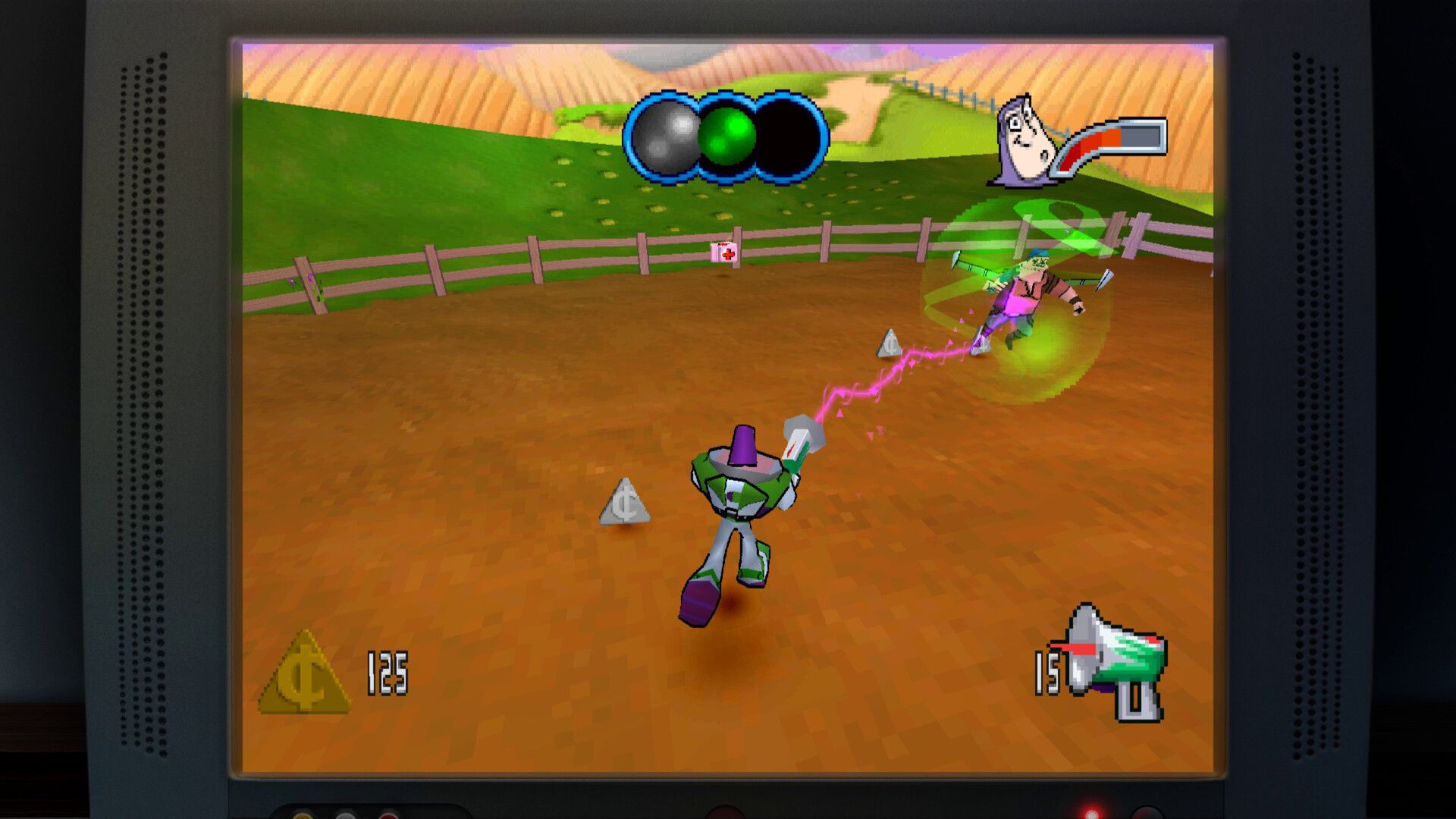
Through looking at all of these versions, you can discover the different approaches that were taken for each game. The Game Boy version of the first Toy Story game, for example, attempted to replicate the side-scrolling platformer levels in low-resolution black-and-white graphics while maintaining the original animation frames. The portable version of Toy Story 2 is a completely different game from the home console version, while the portable version of Buzz Lightyear of Star Command plays by the same rules as the 3D home console version, but it’s almost like a retro “demake” that recasts the game as a top-down 2D title reminiscent of classic 8-bit games from the 1980s.
What made A Bug’s Life an essential part of this collection? Does its inclusion help tell a broader story about how Pixar’s early films shaped the development of licensed games?
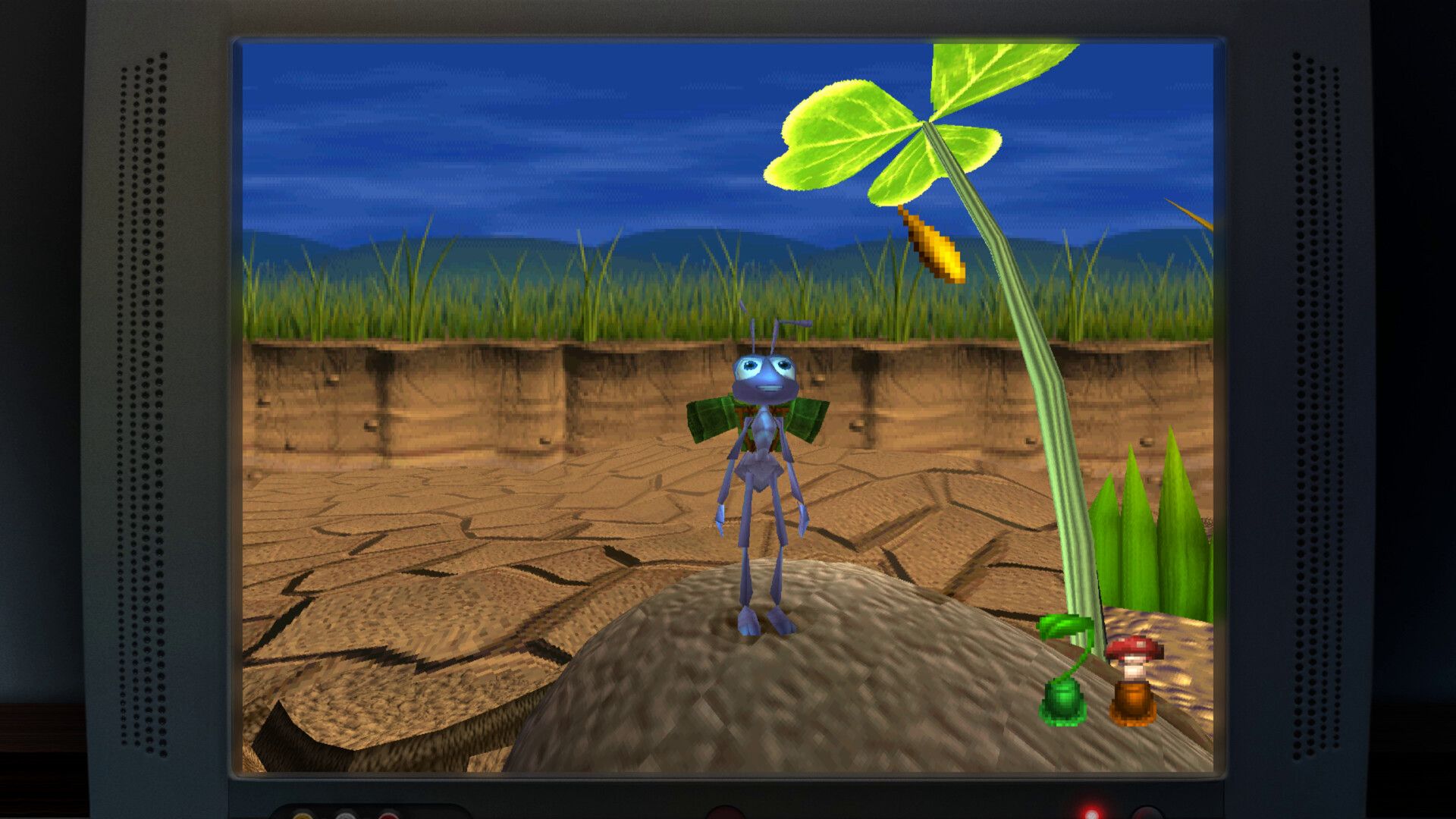
Disney and Pixar’s A Bug’s Life, the movie, was released between Disney and Pixar’s Toy Story and Toy Story 2. Similarly, the A Bug’s Life game was developed by Traveller’s Tales and Disney Interactive in between the Toy Story and Toy Story 2 games. Many of the same team members worked on all three games, and A Bug’s Life – the first free-roaming 3D game ever released by Disney Interactive – is sort of the “missing link” between the designs of Toy Story and Toy Story 2: Buzz Lightyear to the Rescue. Not only can you see as a player how the approach to the games’ design evolved, but we even have special documentary interview features with Traveller’s Tales co-founder Jon Burton in which he provides the context to that story. We love telling the stories of gaming history, and including A Bug’s Life allows us to present a complete, unbroken history of this interesting time period where games were moving from 2D to 3D.
What was the most difficult part of recovering and preparing the original games and archival materials? Were there missing assets, incomplete records or technical obstacles that required help from the original developers?
It’s never easy to find the original design documents or other archival materials from the making of a game that’s 25 (or more!) years old, so we were fortunate that Disney Interactive still had some very interesting design concepts from most of the games. We were also able to do some digging ourselves and rediscover some storyboards, team photos, and more that were distributed to the gaming press back in the day, which we can now present in our Toy History section in full quality.
Beyond Rewind and cheat codes, how far have you gone with quality-of-life improvements? In the 3D games, have you addressed issues such as camera behaviour, control options or keeping track of collectibles, and where did you draw the line on changing the originals?
We do allow players to reconfigure their controls for each game. Generally speaking, the default settings for each game will show you the game as it was originally intended, with some limited exceptions where it made sense. For Toy Story 2: Buzz Lightyear to the Rescue, the camera controls were originally mapped to the controller’s shoulder buttons since not all players had dual analog stick controllers. We have defaulted to mapping those controls to the right analog stick since that’s what today’s players will instinctively use for camera controls.
How is Practice Mode structured to help players learn difficult sections? What can it teach that Rewind alone cannot, and how did you decide how much guidance to provide?
Practice Mode, in which you can watch the games being played and then jump in to take control whenever you want, will let you scrub back and forth as if you were rewinding or fast-forwarding a video. Each game level is also split up into chapters, so you can more easily find what section you’re looking for without having to scrub. Even if you don’t necessarily need to practice, this mode also lets you jump to any point in any game – perfect if, for example, you want to see the first-person level in Toy Story for the Genesis without playing all the levels that lead up to it.
Original manuals often explained mechanics that the games themselves barely introduced. How did those manuals inform the enhanced How to Play instructions, and will players also be able to explore the original printed materials?
We always include the original game instruction manuals as digital features in our collections, restored from new high-resolution scans of the originals. These are important historic materials that players enjoy reading. But as we’ve continued to create these games, we’ve realized that there are some shortcomings to these manuals – they’re usually only in English, for one thing, while our games are distributed to players all over the world. They also usually include a lot of material that’s not strictly necessary to learn how to play the game. When you’re giving a player a large collection full of many different games, you want them to be able to jump in quickly so they can sample everything. And they refer to the legacy console buttons, not your current console’s buttons, so you have to do a little extra work to figure out which button is which.
Our “How to Play” feature solves a lot of these issues – it’s distilled down to just what you need to know, it’s fully localized into every language that we support (a big help considering the original games are usually only in English or a handful of other languages), it shows the correct button icons for your platform, and it’s also playful and visually-oriented so even kids who are still learning to read can use it.
The collection includes a music player alongside its archival content. What challenges did you encounter recovering the soundtracks, and how did you preserve the distinctive audio of the different console and handheld versions?
We put a lot of love into the Music Player for Toy Story: Retro Roundup! You can “favorite” a selection of tracks from across all the different game soundtracks, which will create a custom playlist that you can listen to as you browse the Toy History section or elsewhere in our menus. We’ve also included the Windows PC version of the original Toy Story game’s soundtrack – even though we couldn’t include that game as a playable version, we are able to share its upgraded music tracks which took advantage of the CD-ROM format.
How challenging was it to implement features such as Rewind consistently across games built for very different hardware? What testing was needed to ensure they didn’t introduce problems with game logic, audio synchronisation or input responsiveness?
While I can’t get into specifics, Rewind is definitely a feature that will feel very simple to the player but requires a lot of testing and tweaking to avoid the sorts of issues you describe. We are happy with how it came out and encourage everyone to rewind time whenever they like, in any of the games!
On PS5, Xbox Series X|S and PC, what presentation improvements are available beyond reproducing the original games? Can the 3D titles render at higher internal resolutions or improved frame rates, and how do you handle games whose timing depends on their original frame rate?
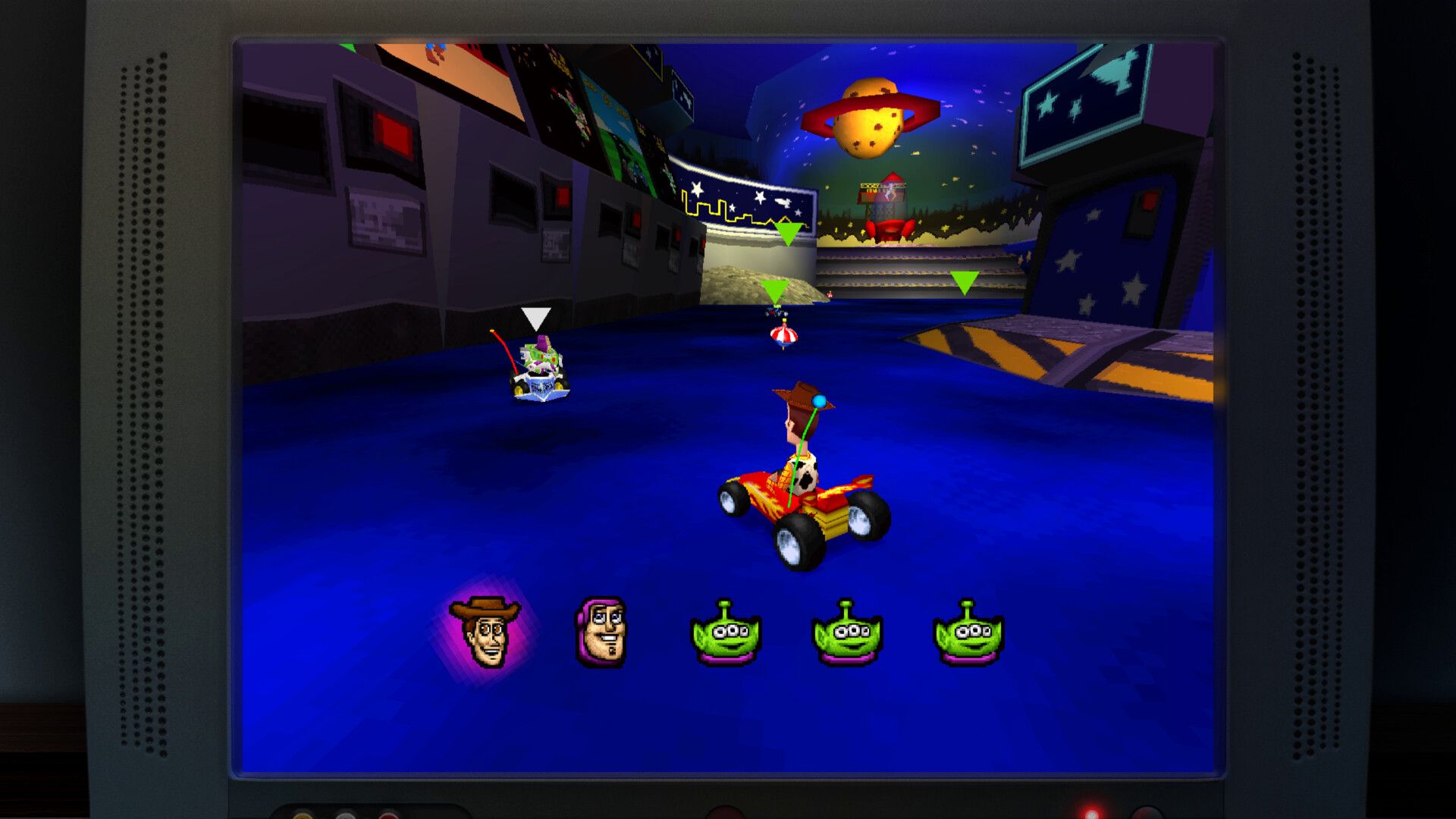
For the games in the collection that originally appeared on the PlayStation 1 console, you can indeed display them in a higher resolution of up to 4x the original for much smoother polygonal models. This is possible on all platforms. You can also choose whether you want to display the games with a CRT filter that smooths out the graphics and approximates what they would have looked like on an old tube television.
What distinguishes the Switch 2 version from the original Switch release? Could you detail the resolution and performance differences in docked and handheld modes, including any improvements to the museum interface and loading times?
The two versions are mostly identical, with a few exceptions. The Nintendo Switch 2 version of Toy Story: Retro Roundup! will run in 1080p in TV mode and handheld mode. The digital artifacts in the Toy History section of the game can be viewed in higher resolution on the Switch 2. Two games that were originally for the PS1 console (Buzz Lightyear of Star Command and Toy Story Racer) run at 30 FPS on Switch 1 and 60 FPS on all other platforms including Switch 2.