







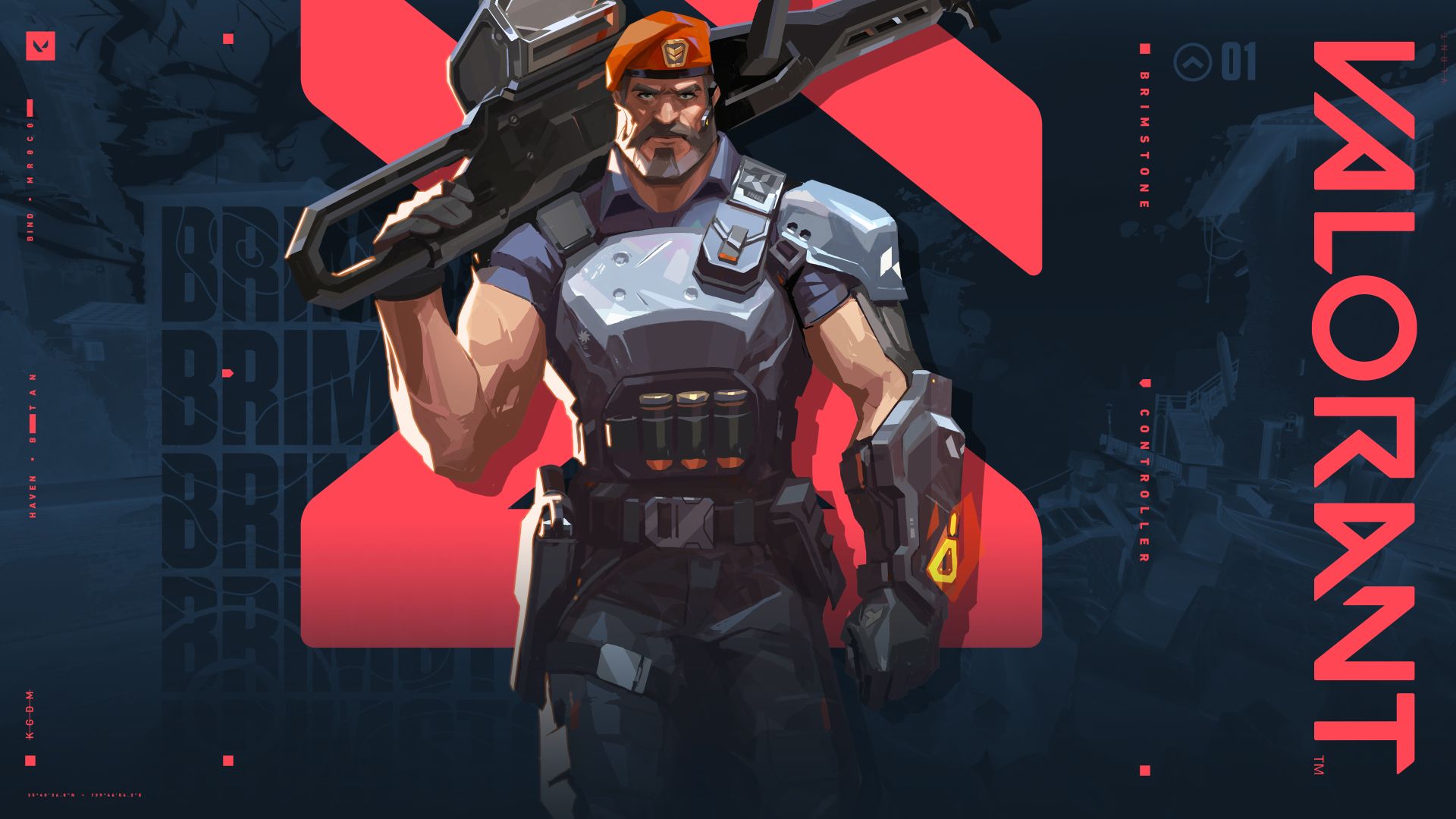
Riot Games has released a new patch for its competitive first person shooter Valorant, and by the looks of it, it brings in quite a few welcome additions and changes to the game, potentially making it more accessible for everyone.
For starters, Brimstone’s Stim Beacon has been slightly modified, reducing the charges from 2 to 1, along with increasing the pricing of the ability to 200. Earlier, Brimstone was one of few agents who got a much-needed buff in the last patch for the game, making him a good controller to keep in a team.
Furthermore, the game adds in the ability to import and export different crosshair settings via auto-generated codes. Earlier, it was not possible to copy someone’s crosshair, and even though the process might seem a bit overwhelming, it finally allows people to copy their desired crosshair settings to support their playstyle.
You can check out the full patch notes on Riot’s official website, or learn about how to import and export crosshair settings and about certain other changes down below.
VALORANT PATCH 4.05
NEW CHANGES
Import and Export of Crosshairs
- Added the ability to import and export different crosshair settings via auto-generated codes.
- To export and share your personal crosshair settings, go to Settings >> Crosshair tab >> click on the icon that looks like an arrow pointing up, found next to Crosshair Profile (it looks like an up arrow chilling in the middle of a bowl). Your auto-generated code will be copied to your clipboard.
- To import crosshair settings, go to Settings >> Crosshair tab >> click on the icon that looks like an arrow pointing down next to Crosshair Profile. Input or paste the code in the provided field and click the “Import” button.
- The crosshair preview at the top of the Settings Menu should reflect the imported settings. Make sure to give it a unique profile name!
Reworked ‘Prioritize Strongest Weapon’ setting
- Renamed setting to Auto-Equip Prioritizes: Most Recent | Strongest
- Updated the priority system to support weapon-like abilities (previous priority: Primary > Secondary > Melee)
- New priority: (Ultimate & Primary) > (Secondary & Chamber Pistol) > Melee
- Resolve priority ties by selecting the more recently equipped weapon






