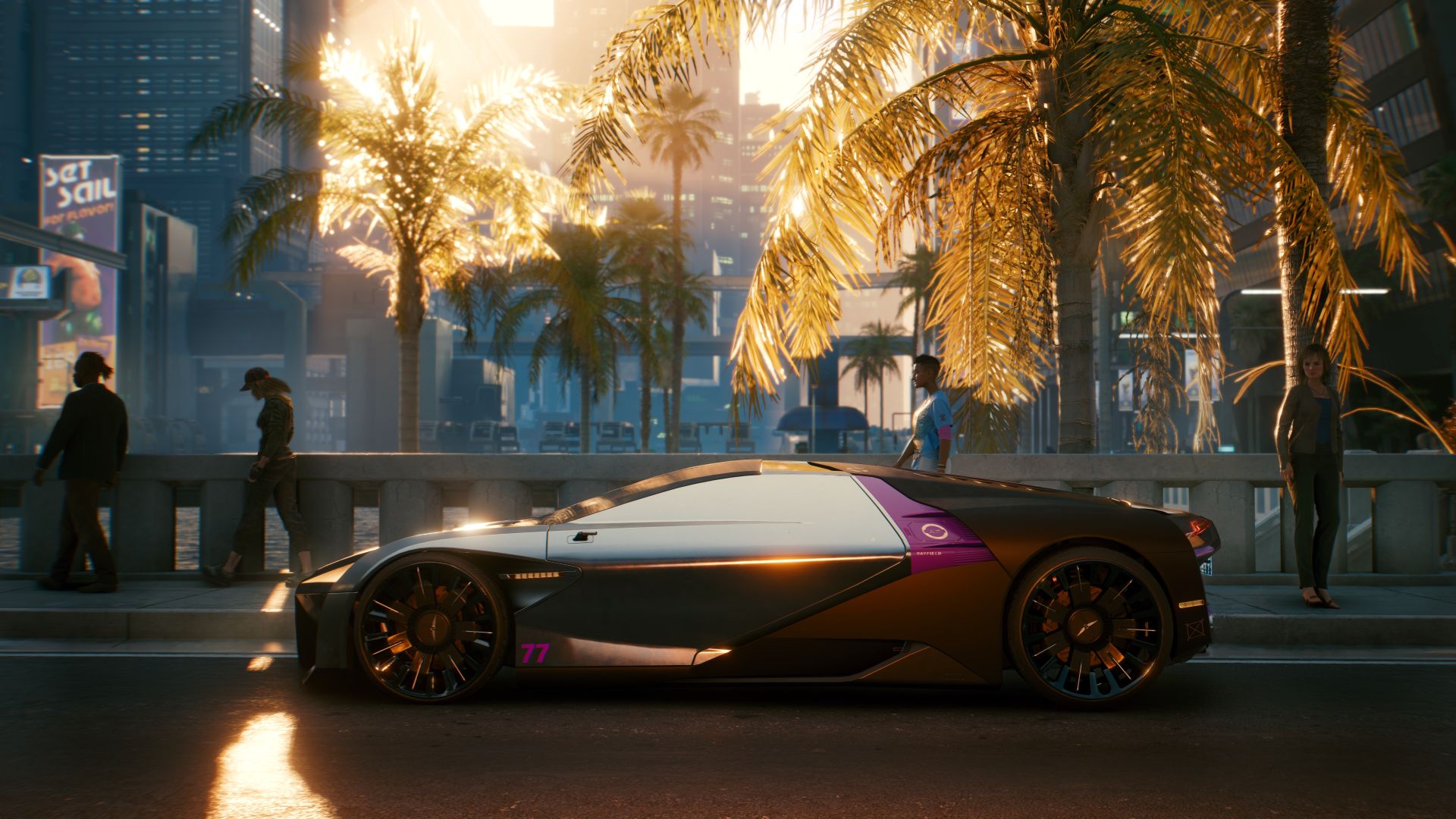
Much like any open world game, it’s pretty easy to summon your car to a location. Check the bottom left corner of your screen for the car icon – if it’s blue, then simply press right on the D-Pad (or the respective button on PC) to summon a vehicle. Barring any bugs, it should arrive close to your location.
As you purchase more cars in Cyberpunk 2077, you can opt to have those delivered instead. Instead of pressing right on the D-Pad, hold it down. This will bring up a screen of owned vehicles. Select any one and that vehicle will now arrive at your location when summoned.
Though you can steal cars off the street, keeping them isn’t possible. Purchasing new vehicles like cars and bikes is the only way to add them to their collection. Fixers will often provide locations of vehicles for sale, but you can also get new rides by completing different side jobs and missions. For a list of some of the best vehicles in the game – and how to get them – check out Tagback TV’s guide below.
One vehicle, the Rayfield Caliburn, can be obtained completely for free. Its paid version is a superior but costs 157,000 eddies and unlocks only after hitting 40 Street Cred. So for now, this is a great way to net a very fast ride. To get it, work with Panam in the quest “Ghost Town” to raid Nash and his gang in the caves located west of Rocky Ridge. Just remember to stay on course and help Panam hunt down Nash – killing him will also net the awesome Widow Maker as a reward.
Once the quest is done, you can drive back to the cave via the entrance north of Sunset Hotel. There will be a container with the vehicle – simply open it up and drive away. The Rayfield Caliburn may not appear upon immediately so keep checking back regularly.