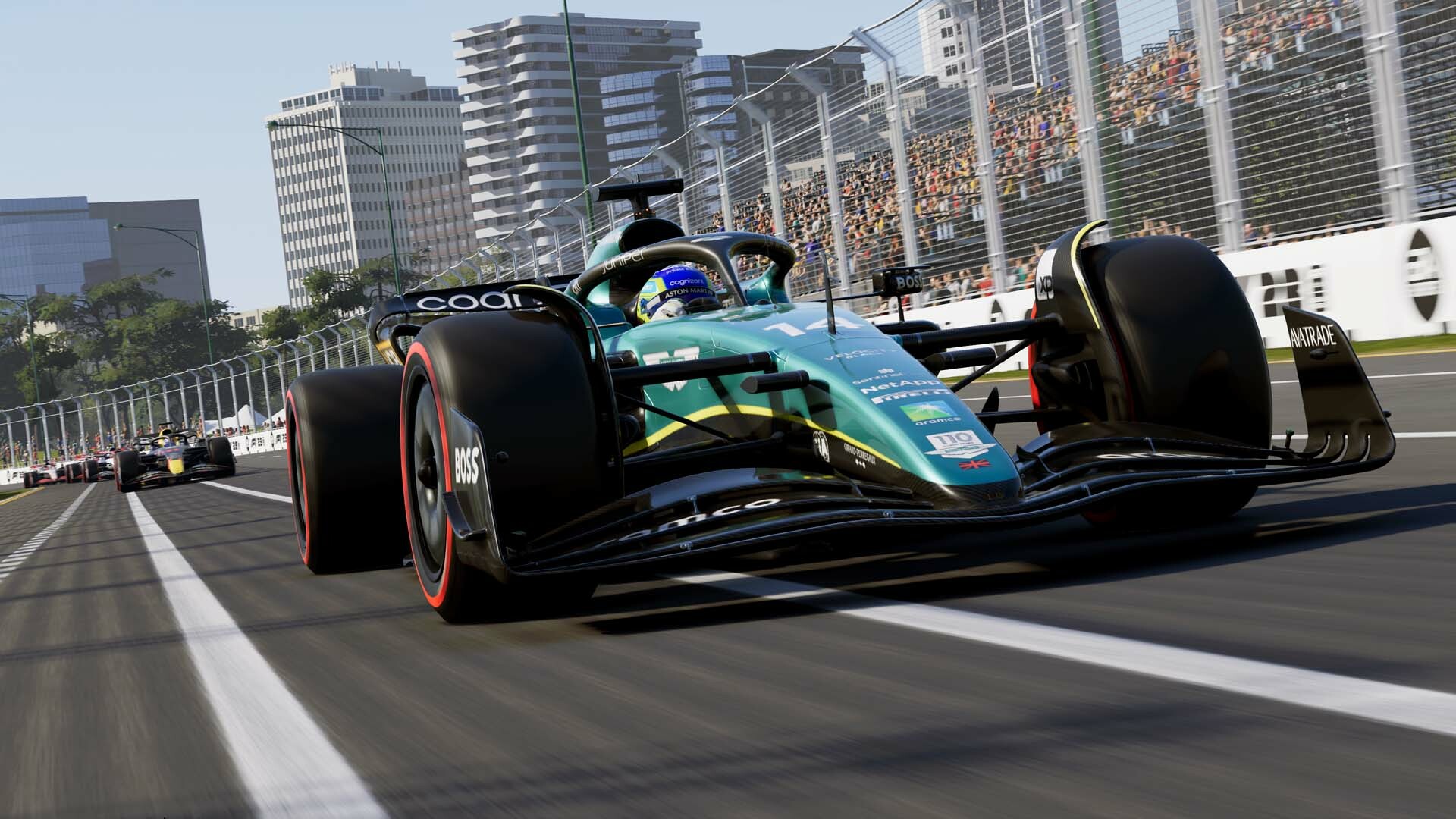
EA Sports’ F1 23 is available worldwide, and as Codemasters’ latest title in the yearly racing sim series, it provides several new features over last year. Braking Point returns, F1 Life is now F1 World with more meaningful progression, and players can enable things like Red Flags and 35% Race Distance.
Of course, that doesn’t mean it’s completely free of issues, especially on PC. Codemasters is releasing a patch next week, but here are a few things that may improve the visuals and fix issues.
Before that, please be advised that the following methods are to be used at the sole discretion of the system owner. GamingBolt or its staff members take no responsibility for problems or issues that may occur from trying the below. Remember that official support is always the best support.
PC Requirements
Let’s first look at the minimum and recommended requirements, starting with Windows 10 64-bit (Version 21H1 or higher) and a 64-bit CPU. DirectX 12 and 80 GB of installation space is also required, regardless of your other hardware. When using VR, a keyboard and mouse are required.
Minimum:
- CPU: Intel Core i3-2130 or AMD FX 4300. When using VR, a Core i5-9600k or Ryzen 5 2600X is needed.
- RAM: 8 GB
- GPU: Nvidia GeForce GTX 1050 Ti or AMD Radeon RX 470. For ray tracing, an RTX 2060 or RX 6700 XT is required, while VR requires a GTX 1660 Ti or AMD RX 590.
- GPU Drivers: Nvidia 522.25 or AMD 23.2.1
Recommended:
- CPU: Intel Core i5 9600K or AMD Ryzen 5 2600X
- RAM: 16 GB
- GPU: NVIDIA GeForce GTX 1660 Ti or AMD Radeon RX 590. When enabling ray tracing, an RTX 3070 or RX 6800 is needed. For VR, an RTX 2070 or AMD RX 6700 XT is required.
- GPU Drivers: Nvidia 528.49 or AMD 23.2.1
Crashes
As with any game, crashes can occur due to various issues. In F1 23, they mostly seem confined to Braking Point, but some report the same when playing the game for a few minutes.
First, do the usual when encountering such issues. Validate your files on Steam by right-clicking on the game in your Library and selecting Properties. Look for the Installed Files tab and select, “Verify this game’s files are installed correctly.” If there are any missing or corrupted files, they’ll be re-downloaded.
Another option is to update drivers for your GPU (via the official sites for Nvidia and AMD or their programs, like GeForce Experience). Ensure that your Visual C++ packages are also updated when installing. You can also run the game as an Administrator. Navigate to your SteamLibrary folder, then SteamApps and Common. Open the game’s folder and look for its “.exe” file.
Right-click on it, select Properties and go to the Compatibility tab. Tick the Run as Administrator option, then save and exit. There’s no official fix yet for these issues, so if these don’t work, it’s best to wait for a patch from the developer.
Blurry Visuals
Another issue that some have reported is the visuals look blurry. Disabling motion blur and changing anti-aliasing settings in-game doesn’t help either. One workaround is to change Motion Blur settings from within the Hardware Settings XML.
Go to your Documents folder and select MyGames. Click on F123 and look for the “hardwaresettings” folder, then the file “hardware_settings_config.xml.” Open it and search for the Motion Blur parameters (which should look like this: <postprocess motionBlur=”true” godRays=”true” depthOfField=”True” lensStreak=”true” lensFlare=”true” bloom=”true” motionBlurV2=”true” />).
Specify postprocess motionBlur and motionBlurV2 as false, then save and exit. You could also set the Depth of Field to false. If that doesn’t help, try setting the Post-processing in-game to “Low.” Some players have reported slight improvements, while others say there’s no difference. If none of the above works for you, wait for Codemasters’ next patch to solve the issue (hopefully).
F1 23 is available for Xbox Series X/S, PS5, Xbox One, PS4 and PC. You can check out our official review here.
Note: Given the wide range of PC hardware available, some of the fixes mentioned here may or may not work for you. However, it’s worth giving them a shot since these have worked for some players.