Playing Monster Hunter World On PC? You Need To Know These Mouse And Keyboard Tips And Tricks

A complete guide to improve your gaming experience when playing with mouse and keyboard.

Posted By | On 14th, Aug. 2018

Monster Hunter World PC

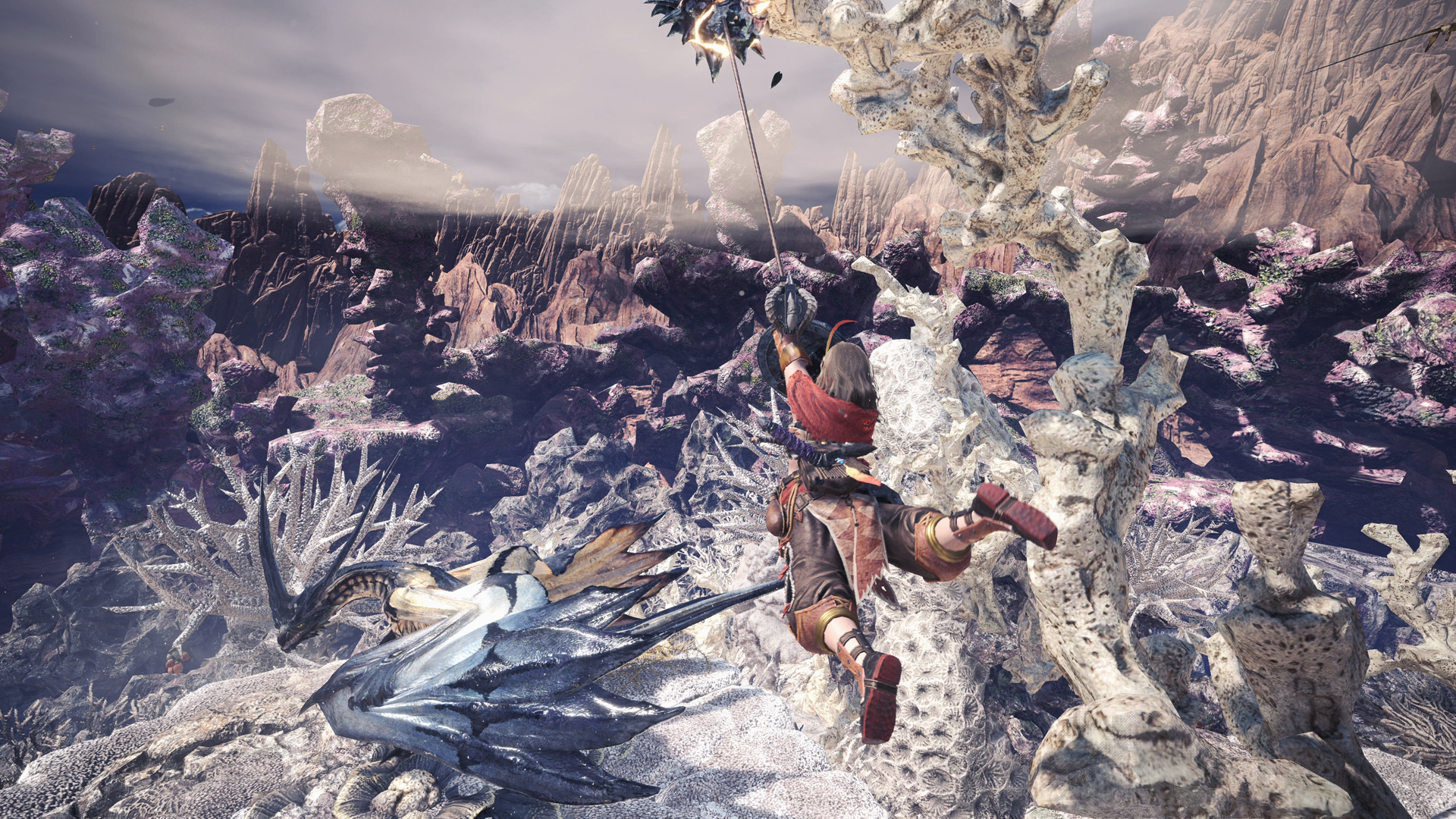
Monster Hunter World is finally out on PC and this is your chance to see what the series is all about! Many people recommend playing the game with a controller, but the game is certainly playable with just a keyboard and mouse, but make sure you tweak the settings just  right before you get into the game. This guide will take you through some of the settings if you are playing on the PC.

AVOID USING THE LOCK-ON SYSTEM

There is a targeting system in the game which you can use to lock on to enemies. However, it doesn’t work very well with a keyboard and mouse setup. Plus, you will be able to manually target enemies thanks to the mouse so you won’t need to use this system for anything at all.

CHANGE THE KEY BINDING FOR RANGED ATTACKS

Ranged attacks will only initiate once you’ve drawn the weapon using the ‘CTRL’ key. This can be a bit of a hassle and you can fix it by changing the binding ‘Draw Weapon/Standard Attack’ to Left Click. This will allow you to attack with your ranged weapon by just using your left mouse button instead of having to using the CTRL key every single time to draw your weapon.

CUSTOMIZE THE RADIAL MENU

Make sure you change the Radial Menu Type to ‘Keyboard’ before you get started. You can customize this by navigating to the ‘Items and Equipment’ menu. You can also set up hotkey bars to quickly access certain items or anything else.

SOME OTHER TWEAKS

  • To use your Slinger, you can either hold V and pressing C toggles it.
  • Use INSERT to bring up your chat menu.
  • Try adjusting the mouse camera speed to see what suits your style best.
Amazing Articles You Might Want To Check Out!

Keep On Reading!

Kiln Open Beta is Now Available on Steam

Kiln Open Beta is Now Available on Steam

Pottery never looked this entertaining, and probably never had this much breakage with a chaotic gameplay loop...

Samson Roadmap Revealed, Next Update Focuses on Stability, Polish and Feedback

Samson Roadmap Revealed, Next Update Focuses on Stability, Polish and Feedback

It’s a busy month ahead in Tyndalston as the Samson team tries to claw its way back into its players’ good...

Code Vein 2’s Patch 1.0.7 Brings Performance Fixes, Balancing Changes, and More

Code Vein 2’s Patch 1.0.7 Brings Performance Fixes, Balancing Changes, and More

The new patch aims to improve performance and quality of life while making subsequent playthroughs feel more c...

MOUSE: P.I. For Hire Trailer Reveals Cast, Including Troy Baker as Jack Pepper

MOUSE: P.I. For Hire Trailer Reveals Cast, Including Troy Baker as Jack Pepper

He's joined Florian Clare, who plays journalist Wanda Fuller; Camryn Grimes, the voice of assistant Tammy Tumb...

Wuchang: Fallen Feathers Producer/Director Fired, Studio Faces Layoffs – Rumor

Wuchang: Fallen Feathers Producer/Director Fired, Studio Faces Layoffs – Rumor

It’s more saddening reports of layoffs, and Leenzee might just be taking a more brutal approach than most if...

New Metro Game Expected to be Announced Next Week – Rumor

New Metro Game Expected to be Announced Next Week – Rumor

4A Games could finally reveal more details about the franchise's next mainline title, which was confirmed to b...