





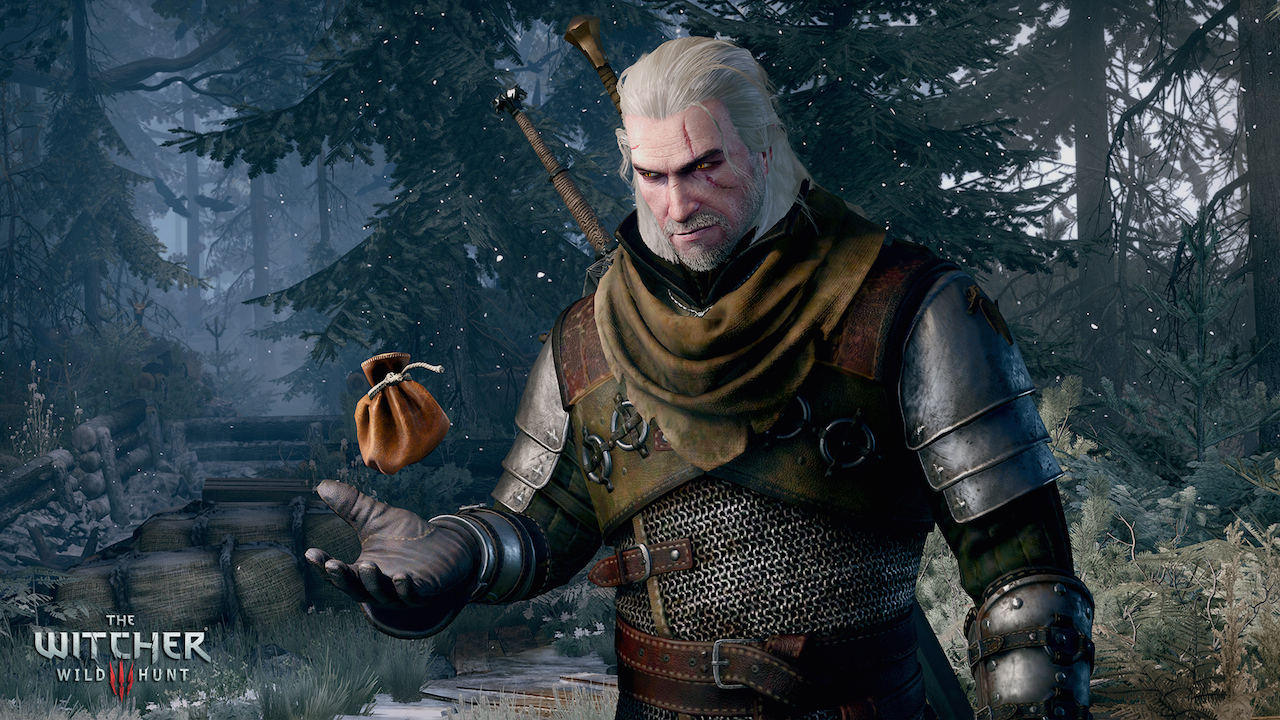
CD Projekt’s ambitious open world role playing game, The Witcher 3: Wild Hunt is finally available on the PC. And just like any PC launch these days, the game is facing from a few issues. After searching the internet, we have found some possible solutions that you may be facing while playing the game. Please be advised that the following methods are to be used at the sole discretion of the platform owner. GamingBolt or its staff members take no responsibility for problems that may arise or issues that may occur from trying the below. Always remember that official support is always the best support.
For users who are facing frame rate lags or stuttering issues, try and disable Nvidia Hairworks options. Apparently, this feature is a resource hog so if you don’t have a capable PC, don’t try this out. If this does not help, try lowering Foliage View Distance and Grass Density in the graphics menu.
We have also read reports about crashes and black screens. In order to resolve, download the latest drivers for Nvidia and AMD GPUs. This should resolve the issue in most cases. Some GPUs are apparently facing issues to run the game at 1440p. There is no solution for this at the moment, so hopefully this will be resolved in a future patch.
For users who are facing screen tearing and flickering issues, try toggling Vsync on/off. If you are facing mouse lag issues, enable Hardware Cursor from the options menu. If the game is crashing from the menu or inventory, try disabling Vsync from the options or try running the game in borderless window. If this does not work, try removing the frame rate cap in the graphics setting.
Improving graphics and performance:
If you are running the game on a medium spec PC, you can try and improve graphics and performance by accessing the user.settings file. You can get the file at \Documents\The Witcher 3. In this file you can find a ton of options which you can tweak around to get the desired performance. The options are:
[LevelOfDetail]
DecalsHideDistance= [Ultra value: 80]
DynamicDecalsHideDistance= [Default value: 20]
DimmerHideDistance= [Default value: 60]
StripeHideDistance= [Default value: 60]
SwarmHideDistance= [Default value: 200]
[Rendering] DecalsSpawnDistanceCutoff= [Default value: 10] DecalsChance= [Default value: 1]
If you increase DecalsChance to 2 or 3, there is a greater chance that blood will be spilled when you hit enemies.
[Rendering]
DecalsSpawnDistanceCutoff= [Default value: 10]
DecalsChance= [Default value: 1]
[Foliage]
MaxVisibilityDepth= [Ultra value: 24]
[Rendering/SpeedTree]
FoliageDistanceScale= [Ultra value: 1]
Try lowering FoliageDistanceScale below 1 to get better frame rates.
[Rendering/SpeedTree]
GrassDistanceScale= [Ultra value: 1]
GrassGenerationEfficiency= [Default value: 0.075]
Try lowering GrassGenerationEfficiency below 0.075 to get better performance.
[Rendering]
TextureMemoryBudget= [Ultra Value: 800]
This depends on the amount of memory your GPU has. For instance, if you are using a 3GB card, 1014 instead of 800 will work just fine here.
[Rendering]
TextureStreamingCharacterDistanceLimit= [Default 50]
TextureStreamingHeadsDistanceLimit= [Default 10]
TextureStreamingDistanceLimit= [Default 40000]
Try reducing these numbers to have better performance.
[Rendering]
CascadeShadowFadeTreshold= [Ultra Value: 1] – Decrease the value to improve the maximum view distance of shadows.
CascadeShadowDistanceScale0= [Ultra Value: 1] – Increase the value to improve the quality of close-range shadows.
CascadeShadowDistanceScale1= [Ultra Value: 1] – Increase the value to improve the quality and visibility of close and medium-range shadows.
CascadeShadowDistanceScale2= [Ultra Value: 1.5] – Increase the value to improve the quality and visibility of distant shadows.
MaxTerrainShadowAtlasCount= [Ultra Value: 4] – Increase the value to potentially improve the quality of terrain shadows.
CascadeShadowmapSize= [Ultra Value: 3072] – Increase the value to slightly improve the fidelity of shadows.
CascadeShadowQuality= [Ultra Value: 1] – Increase the value to slightly improve the fidelity of shadows.
[Rendering/SpeedTree] FoliageShadowDistanceScale= [Ultra Value: 54] – Increase the value to enable a few extra trees, bushes, and grass clumps to cast shadows.
Shadows are perhaps the biggest resource hog, next to Nvidia Hairworks. So try playing with the options above.
Note: Given that the wide range of PC hardware out there, the fixes mentioned here may or may not work for you. But it’s worth giving them a shot since these have worked for players who own the PC version of The Witcher 3: Wild Hunt.
Thanks, GeForce for the graphics performance section in this article.