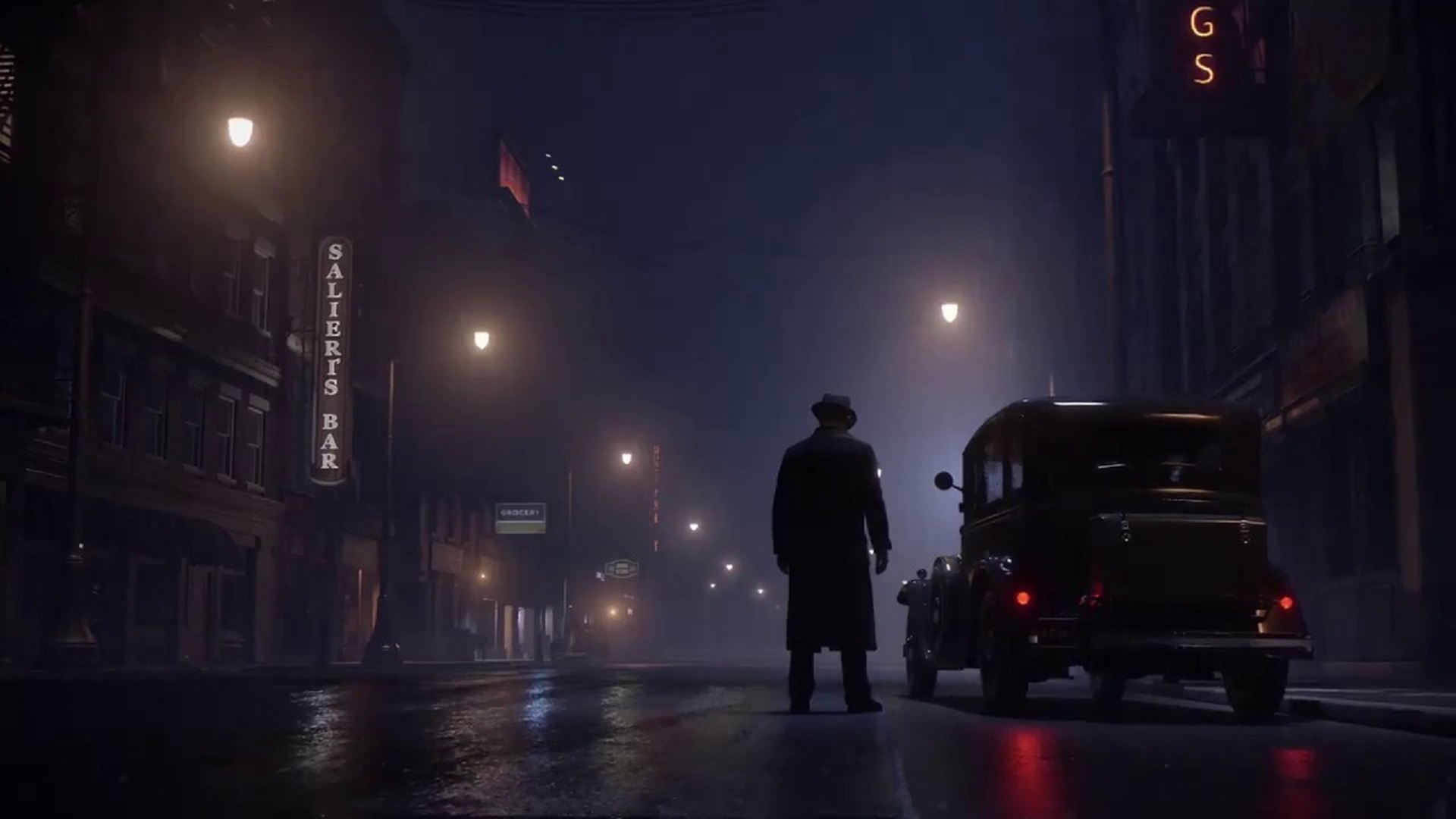
It’s only been a few weeks since its release but Hangar 13’s Mafia: Definitive Edition has received its first major update. This adds several new options for customizing one’s HUD, switching to the new Minimal HUD and Noir Mode. Noir Mode is interesting because it provides a black-and-white look to the entire game, giving it an older cinematic touch.
Some of the custom HUD options include being able to turn off objective markers in the world, mini-map markers for enemies, mini-map GPS and more. There’s also some new content for Free Ride mode, which adds a “couple new gameplay features” based on the vehicle one is driving and where. The update also addresses certain issues players add, like some cinematics showing a black screen.
Mafia: Definitive Edition is available now for Xbox One, PS4 and PC. Unlike other games’ updated versions, this one is a full-fledged remake of the first Mafia. You can check out more details on what’s new and different in our review here.
New Content
- Custom HUD Options – Use these new options to customize the in-game HUD if, for example, you want to make your explorations of Lost Heaven feel less guided or take a particularly pleasing screenshot:
– Switch the in-world main objective marker on/off.
– Switch mini-map enemy markers on/off on all difficulty settings. (Previously enemy markers were always on outside of Classic Mode.)
– Switch navigation features like turn-by-turn instructions and the mini-map GPS on/off. - Enable the new Minimal HUD mode to hide HUD elements including the mini-map, the speedometer, and objective text while playing.
- Noir Mode – Enable Noir Mode to enjoy Mafia: Definitive Edition‘s gameplay and cinematics with a vintage black-and-white look. Noir Mode can be toggled on and off via the game options screen.
- Free Ride Content – Now that you’re off to the races and enjoying Free Ride mode, depending on which vehicle you’re driving and where you’re driving it, you might find one of a couple new gameplay features that we’ve added to the mode. We’ll leave the specifics for you to discover and hope you fare well in Lost Heaven.