







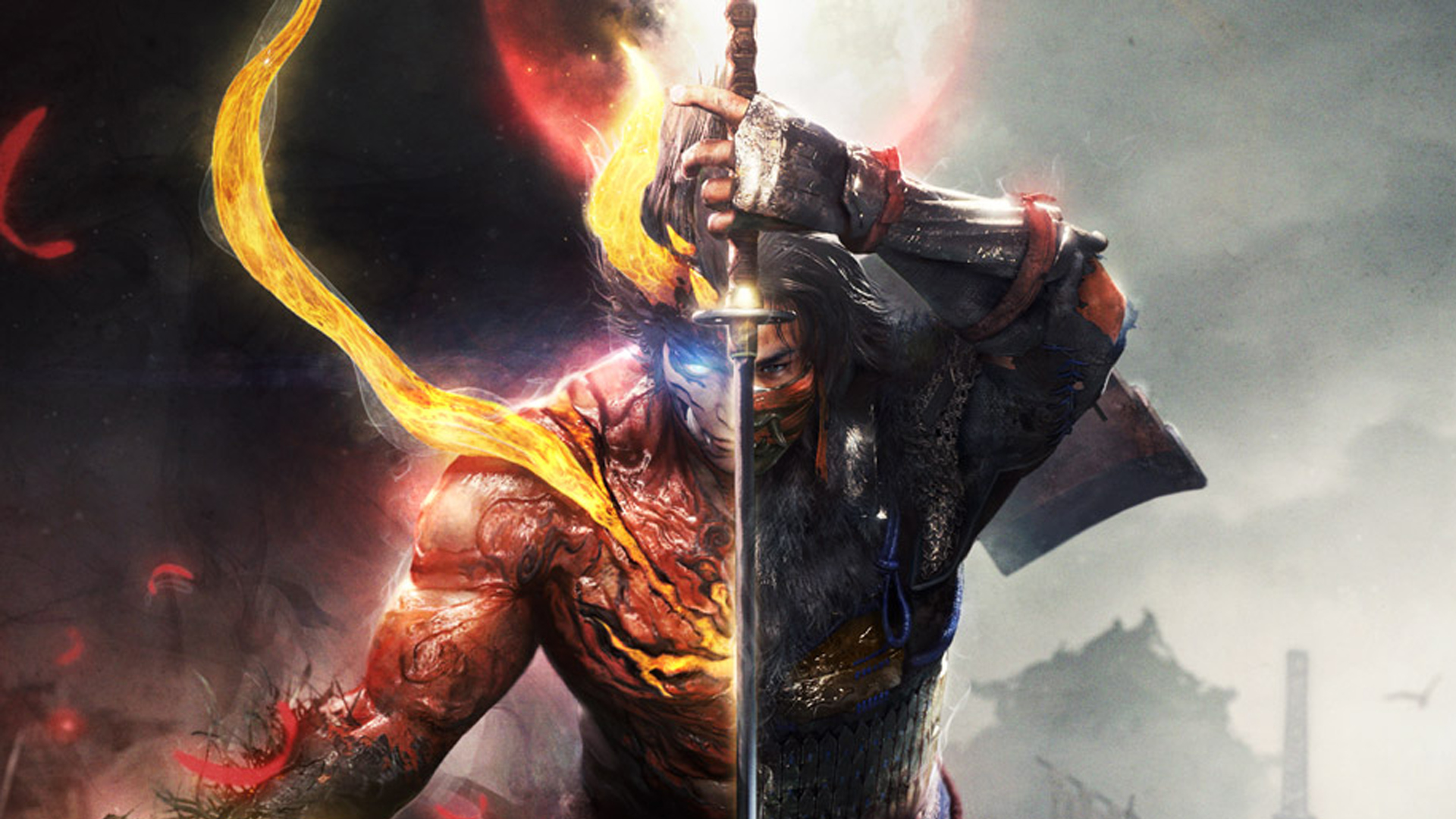
Nioh 2 PC Patch Adds Keyboard and Mouse Input Icons

Various bugs and other issues also addressed.

Posted By | On 02nd, Mar. 2021

nioh 2

Team Ninja has released a new update for Nioh 2 – The Complete Edition on PC, finally bringing control icons for those playing with keyboard and mouse. Simply head into the Keyboard and Mouse settings and toggle “Control Icons” to see them appear. Patch 1.27 also provides further improvements to frame rate performance which could degrade upon setting “Effect Quality” to high.

Those facing issues with Burst Counters against certain foes when playing at the 120 FPS cap should also see the problem fixed. Other fixes includes shadows being enabled in cutscenes even when it’s turned off in the graphical settings; an issue that made fog in some stages appear brighter; and an issue with facial expressions when using the “Dragon Ninja” transformation.

Check out the full patch notes below in the developer’s tweet. Nioh 2 – The Complete Edition is currently available for PS4 and PC. You can also pick up Nioh 2 Remastered – The Complete Edition along with Nioh Remastered – The Complete Edition on PS5 with The Nioh Collection. Check out our review for the same here.

https://twitter.com/TeamNINJAStudio/status/1366689741098336256

Amazing Articles You Might Want To Check Out!

Keep On Reading!

Mortal Kombat: Legacy Kollection – 15 Big Details You Can’t Ignore

Mortal Kombat: Legacy Kollection – 15 Big Details You Can’t Ignore

This is a blast from the past that comes with a few modern touches that could make diving back into the Mortal...

Tormented Souls 2 Review – Beware the Shadows

Tormented Souls 2 Review – Beware the Shadows

Tormented Souls 2 refines its predecessor with polished visuals, haunting atmosphere and classic survival horr...

Bounty Star Review – Unforgiven

Bounty Star Review – Unforgiven

An intriguing premise and solid protagonist can't do much to salvage Bounty Star's gameplay, which can feel mi...

Ninja Gaiden 4 Guide – How To Play As Ryu Hayabusa In All Chapters

Ninja Gaiden 4 Guide – How To Play As Ryu Hayabusa In All Chapters

Enable the selection of Ryu Hayabusa as a character in every single chapter of the game with this guide for Ni...

Jurassic World Evolution 3 Guide: How To Build A Dinosaur Encounter

Jurassic World Evolution 3 Guide: How To Build A Dinosaur Encounter

Build Dinosaur Encounters to let park Guests interact with dinosaurs up close and personal using this guide fo...

Jurassic World Evolution 3 Guide: How To Build Emergency Shelters

Jurassic World Evolution 3 Guide: How To Build Emergency Shelters

Build Emergency Shelters to protect both park employees and Guests in the event of catastrophes or sabotage, u...






