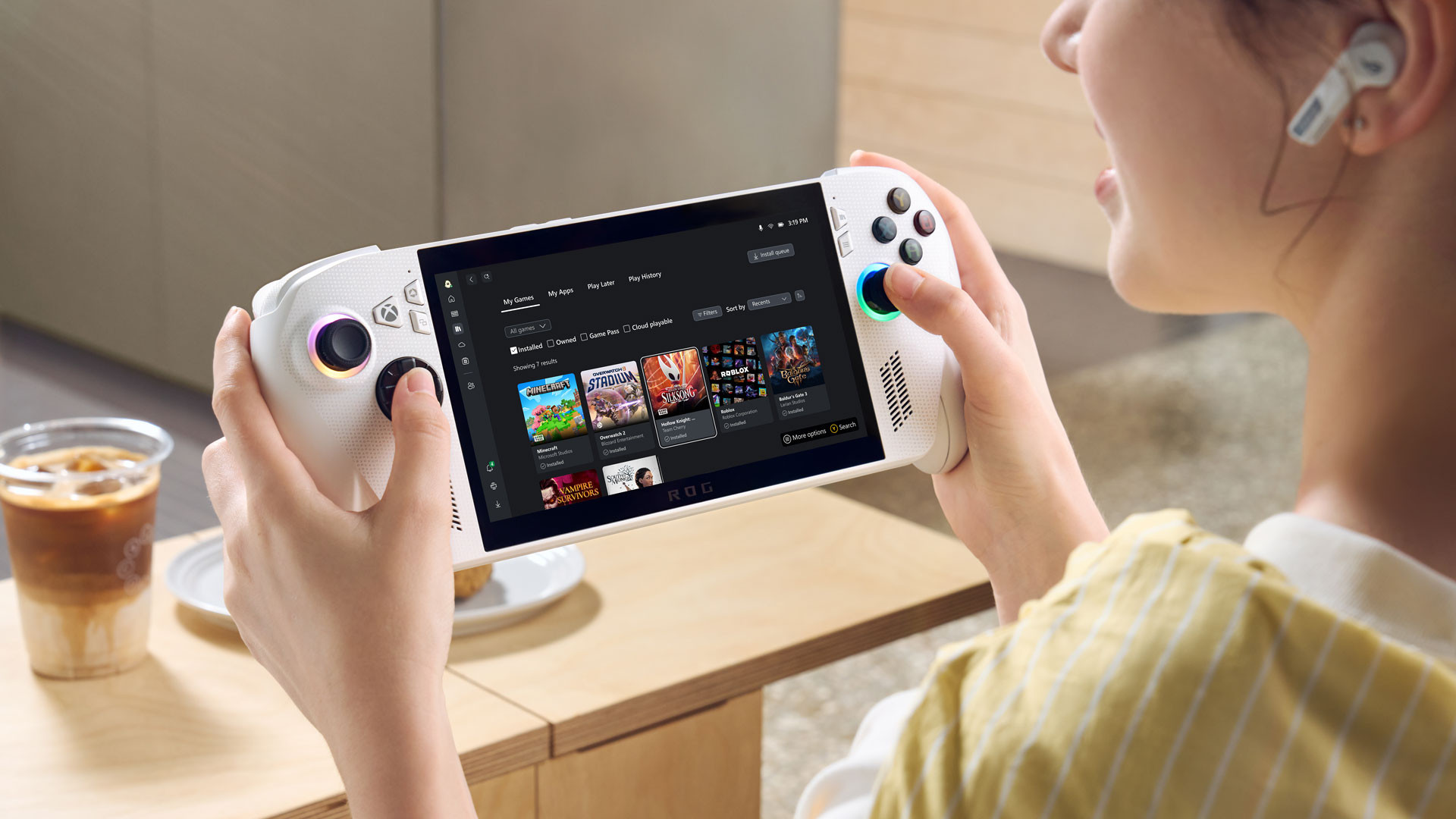
Microsoft and Asus have revealed more details about the upcoming ROG Xbox Ally and ROG Xbox Ally X handheld gaming systems. In a new video featuring various game developers as well as the team behind the design of the handhelds, various details about the two systems have been revealed, including the process behind marking a game as being optimised for handheld play.
Along with all of these details, Microsoft has also confirmed that the Asus ROG Xbox Ally and Xbox Ally X will be hitting store shelves worldwide on October 16.
Along with making sure that games can run on the ROG Xbox Ally and Xbox Ally X on a technical level through optimisations, games that need keyboard input need to also provide an on-screen keyboard for players to use to be considered optimised for handheld. These keyboards are often used in games for text fields, like when an RPG asks the player to enter a name for their character. Other accessibility aspects are also taken into consideration, including things like text size in a game’s UI.
The usability of the two handhelds also revolves around a major new feature – the Xbox Fullscreen Experience. This experience was developed as part of a collaboration between the Windows, Xbox and Asus teams in order to make navigating through Windows without a mouse and keyboard setup more intuitive. The Xbox Fullscreen Experience starts up the moment you unlock an ROG Xbox Ally or Ally X, and according to the developers, it doesn’t load any processes that are not required for gaming. This reportedly accounts for a savings of over 2 GB of memory which can then be used for gaming.
Both the ROG Xbox Ally and Xbox Ally X will also feature an aggregated library which will let users seamlessly switch between various launchers, from Steam to Battle.net. Along with this, both handhelds will also feature various gaming features, including Xbox Game Bar, which can be accessed by pressing the Xbox button on the system.
The Game Bar also serves as a home to the Command Center, which gives players access to various power-related features, including the turbo mode. Holding down the Xbox button opens up the task switching view which allows users to switch between open windows, as well as switch to the Windows Desktop mode.