





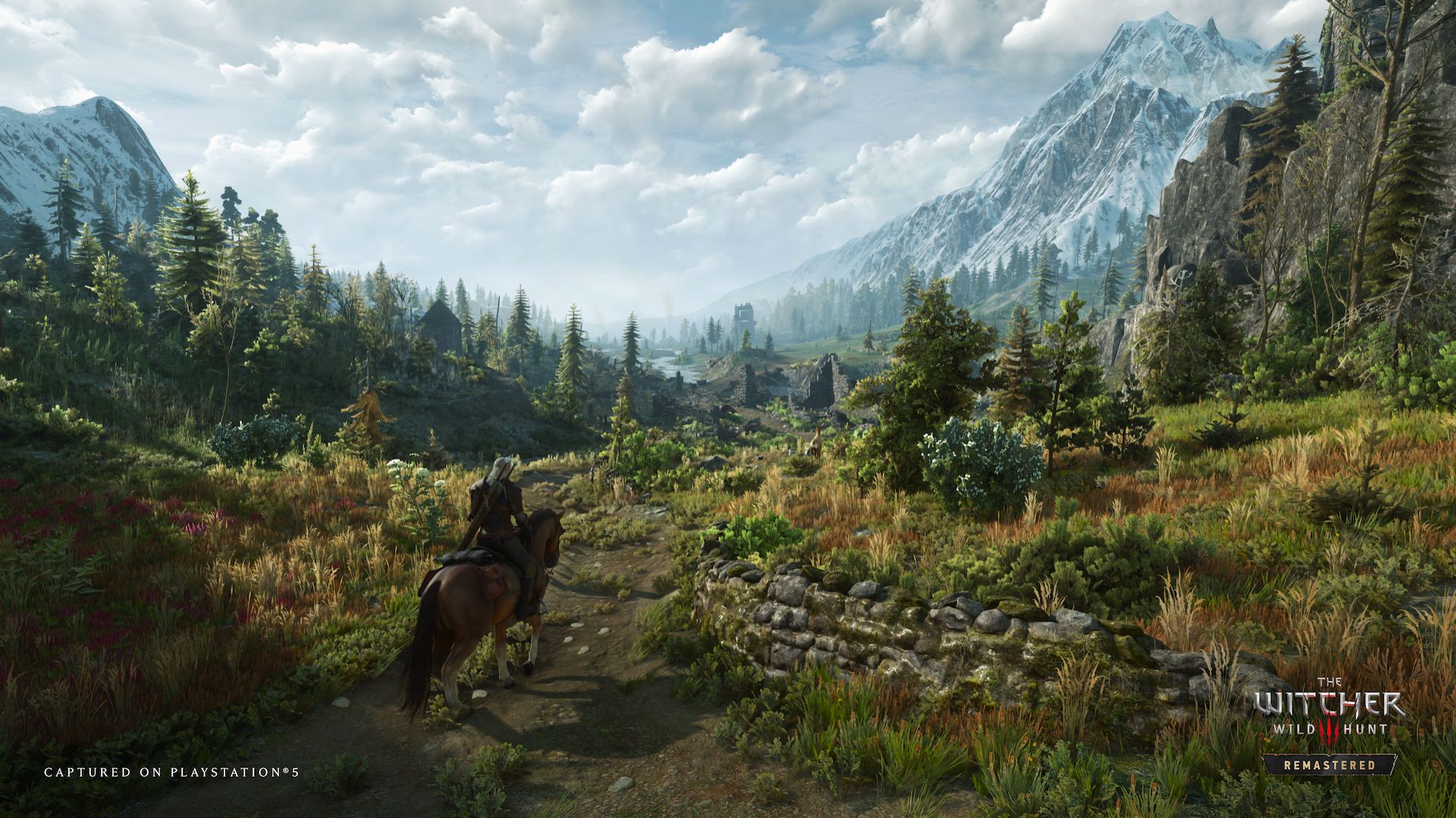
Following up on its recent promise, CD Projekt RED has released a new update for The Witcher 3: Wild Hunt – Remastered. The update addresses a host of issues with the RPG across its gameplay and UI, and even brings in some bug fixes for PC-specific issues like certain settings not properly getting applied to the game.
While the patch notes don’t have a headlining feature for the update, it certainly indicates that CD Projekt RED is dedicated to ensuring that The Witcher 3: Wild Hunt – Remastered runs well and looks good for players across all platforms. PC players in particular will be quite happy with the update, since a host of issues have been fixed, such as the game selecting the wrong GPU, being able to pick a graphics setting despite the GPU not supporting it, and even skill tooltips not updating appropriately.
On the gameplay side of things, the update brings in many improvements that will make the RPG feel more responsive. This is due to fixes to delayed responses for dodging, or even ladder climbing animations not quite being up to par.
The update follows up on one released earlier this month that brought in a host of fixes for the Xbox Play Anywhere version of the game. At the time, CD Projekt RED had said that it is “investigating” the issues being reported by players, and that more updates are on the way.
The Witcher 3: Wild Hunt – Remastered is available on PC, PS5, Xbox Series X/S, and Nintendo Switch 2. For more details, check out our thoughts on why it is so difficult to put down.
The Witcher 3: Wild Hunt – Remastered update 5.0.1 patch notes:
Gameplay
- Fixed an issue where the “Automatically Apply Blade Oils” feature would work only if enabled during the current game session.
- Fixed an issue where, under specific circumstances, player-controlled boats could start moving uncontrollably and ignore terrain collisions.
- Improved ladder interaction animations.
- Fixed an issue where Geralt would collide with dead enemies after the Aard finisher.
- Fixed an issue where Vesemir would repeatedly say the same line if Quen was cast multiple times.
- Fixed an issue where dodging could have an unintentionally delayed response.
- Fixed an issue where it was possible to throw a bomb even if the option is disabled.
- Fixed an issue where the bonus granted by the Synergy skill displayed incorrect values.
- Added damage reflection to the Exploding Shield skill.
- Fixed an issue where Geralt’s Stamina would be fully drained when sprinting and dodging at the same time.
UI
- Fixed an issue where the “You’ve gained an ability point!” pop-up could stay stuck on the screen.
- Fixed input hints flashing for a brief moment on the meditation screen.
- Fixed an issue where the Potions tutorial didn’t appear after accessing the Consumables tab.
- Fixed some misaligned progress bars in the UI.
PC-specific
- Fixed an issue where the GTAO Quality setting would reset after restarting the game.
- Fixed an issue where Dynamic Resolution Scaling could display the wrong setting after changing the Anti-Aliasing mode.
- Fixed cases in which it was possible to enable a graphics setting when using a GPU that doesn’t support it.
- Fixed an issue where switching graphics presets could apply DLSS or XeSS on GPUs where they’re not supported.
- Changed the default Dynamic Resolution Scaling setting to OFF.
- Fixed an issue where Skill tooltips wouldn’t update until hovered over again.
- Fixed an issue where the game could sometimes select the wrong GPU.
Other
- Made various visual adjustments, including improvements to Bloom, tone mapping, character lighting, Ray Tracing, and Path Tracing.
- Due to backend issues, the policy consent screen will appear again. You’ll need to confirm your preferences once more. Choosing to opt in helps us improve the game.
- Fixed an issue where My Rewards and Twitch/Bilibili Drops wouldn’t appear in the chest in Vizima if it had been opened previously. As a result of this fix, some of the items may be duplicated. Consider them a bonus!
- Fixed an issue where foliage did not react to collisions.
- Fixed an issue that could affect save file data and added measures to address saves that may have already been affected.
- Fixed an issue where Dynamic Resolution Scaling could cause visual artifacts in certain configurations.